Words explained
Words that come up in this guide and in Grow, each in one plain sentence with an everyday example.
After this chapter: you can follow every word in the guide.
The words
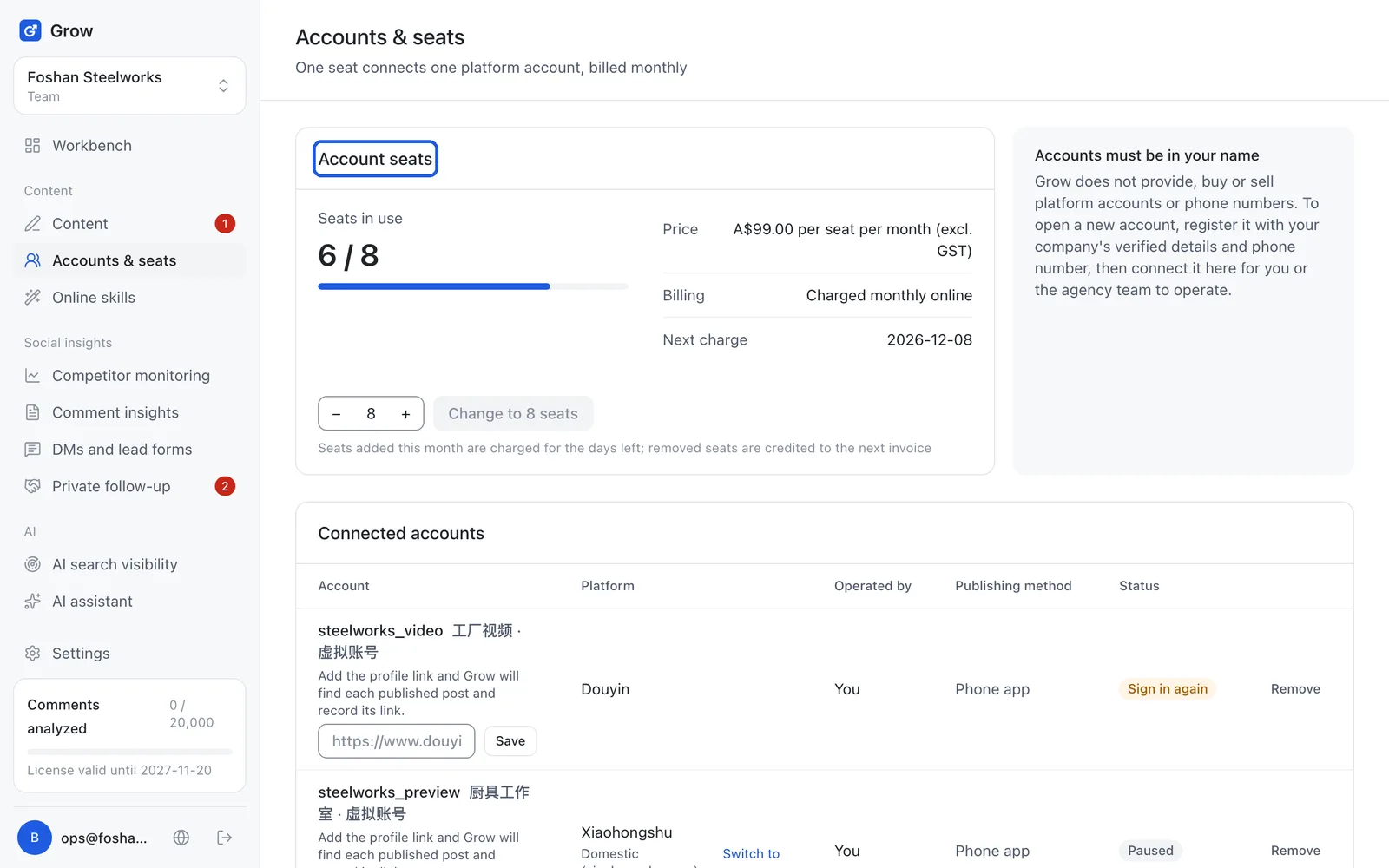
- Seat
- A seat is the "place" in Grow that one platform account takes, one account per seat, paid monthly. Example: one Xiaohongshu account and one Douyin account need 2 seats; remove an account you no longer use and its seat is free again. Note: "Seats" in "Settings → Members" is the number of people who can sign in to Grow, which is a different thing.
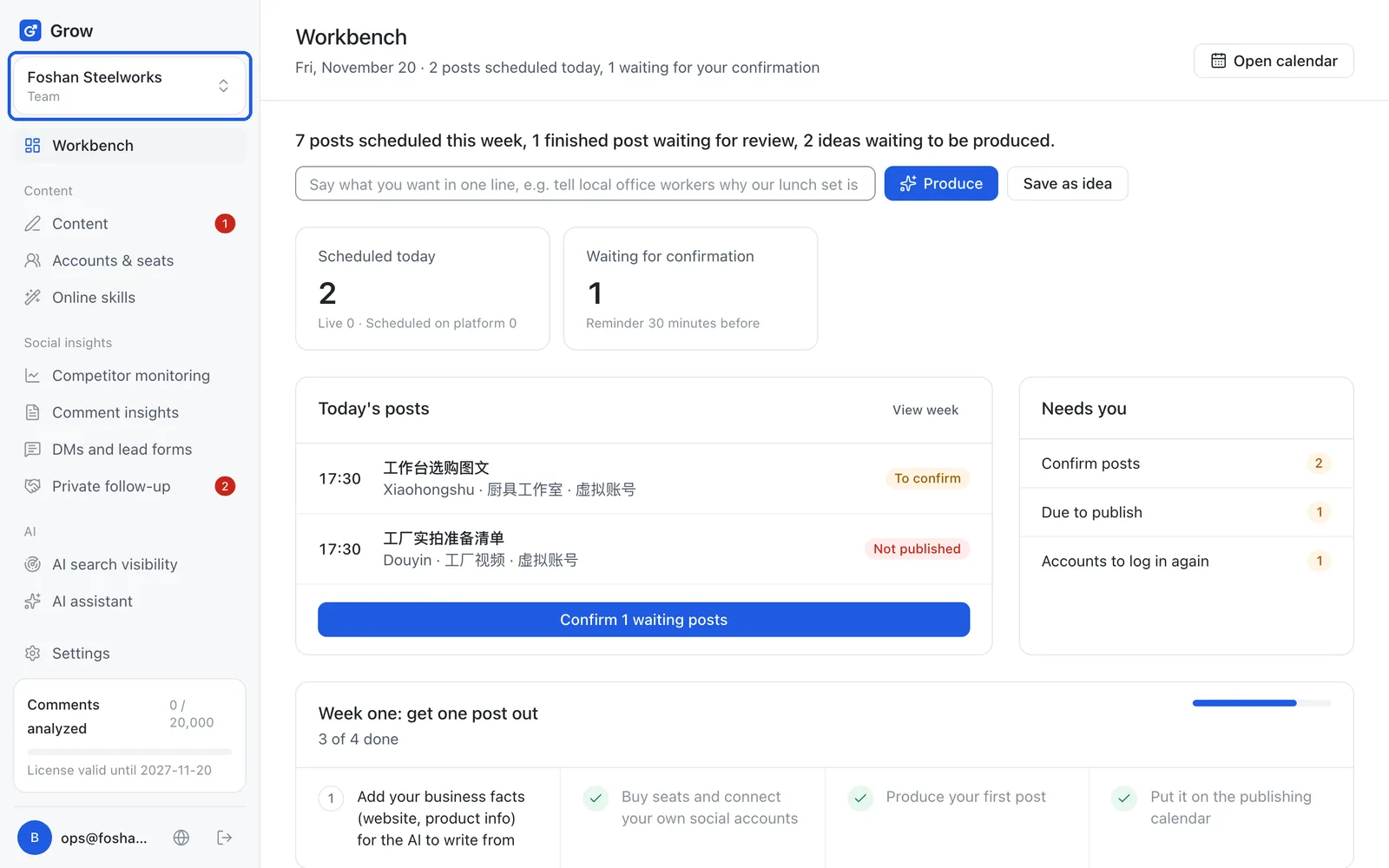
- Workspace
- A workspace is a separate space in Grow for one brand or one shop, with its own posts, accounts and customers. Example: if you run a hotpot restaurant and a bubble tea shop, make two workspaces and switch at the top left; nothing gets mixed up.
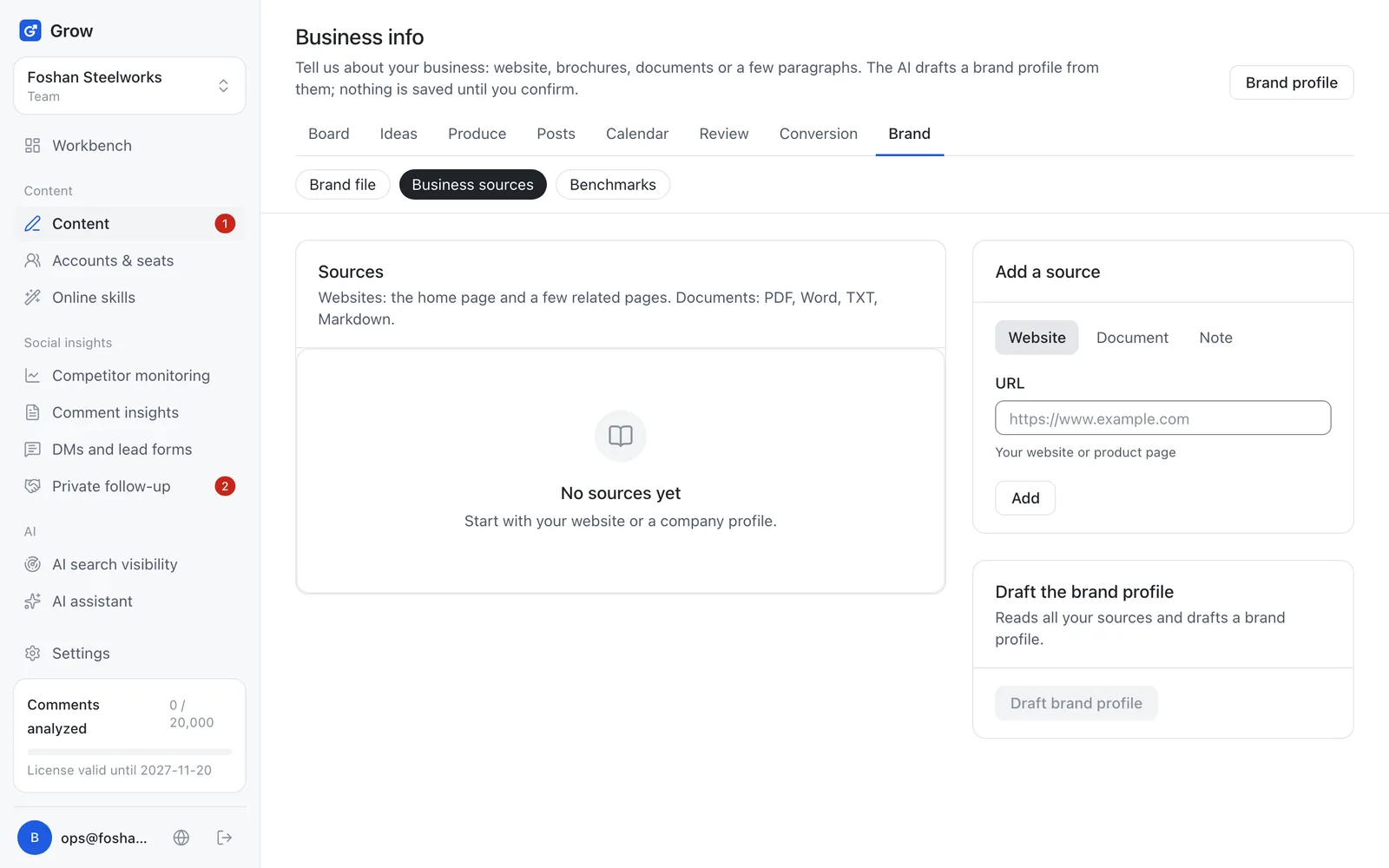
- Business sources, brand file
- Business sources are the raw material you give the AI (website, brochure, a paragraph); the brand file is the "company handbook" the AI makes from them and you approve. Example: like the handbook you give a new staff member, everything the AI writes follows the brand file instead of making things up.
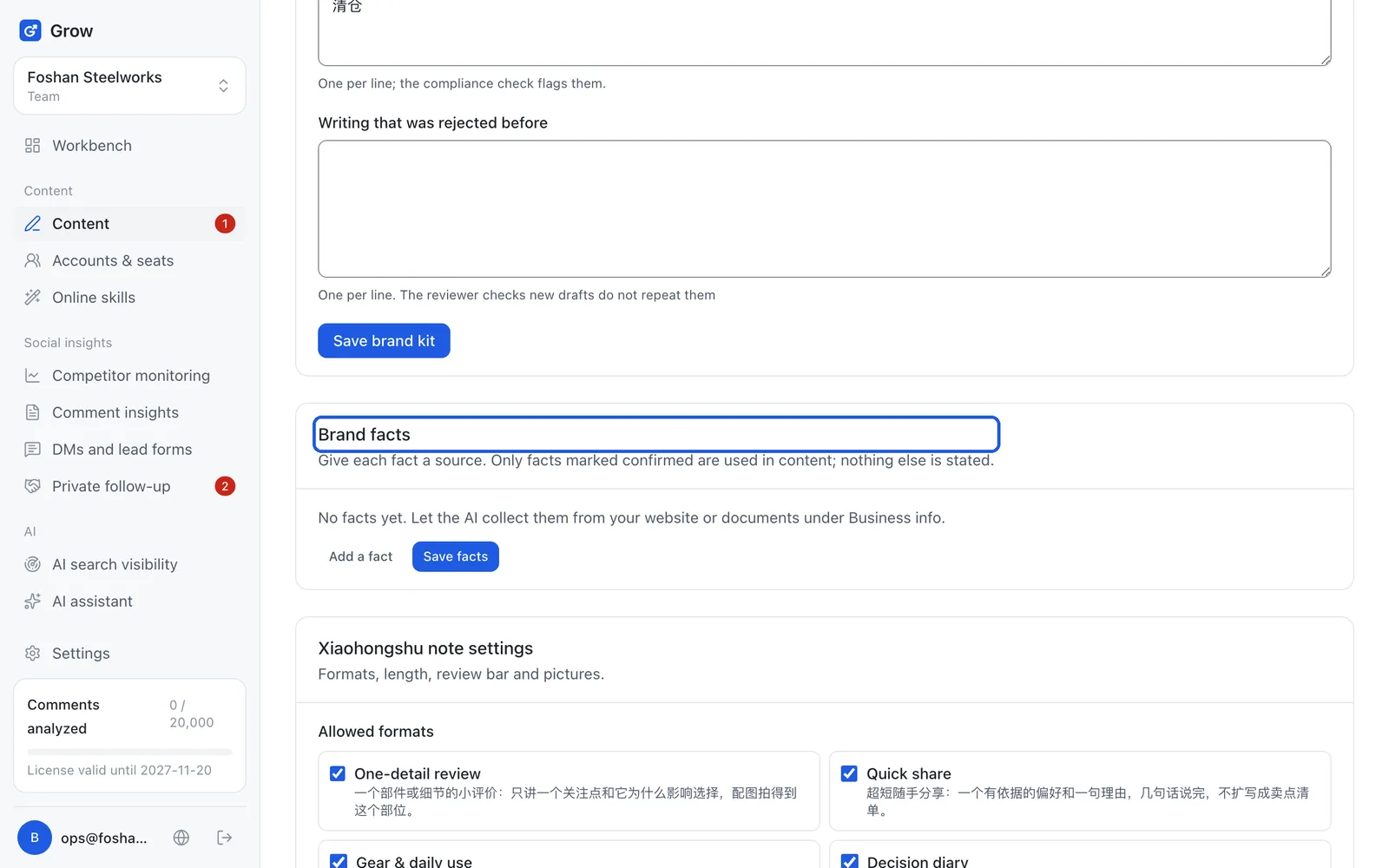
- Brand facts
- Brand facts are the hard details in the brand file that can be said publicly, such as prices, address or certificates; the AI only uses the ones you tick "Confirmed". Example: "Lunch set Monday to Friday, 11am to 2pm" is a fact; until you confirm it, the AI will not write it.
- Authorise
- Authorising means clicking "agree" on the platform's own page so Grow can post with your account, without you giving Grow your password. Example: like giving the building manager only the mailbox key instead of the whole key ring; when you no longer want it, remove the account in Grow. Note: "license" in "License valid until" and "License & usage" means the Grow plan you bought, which is a different thing.
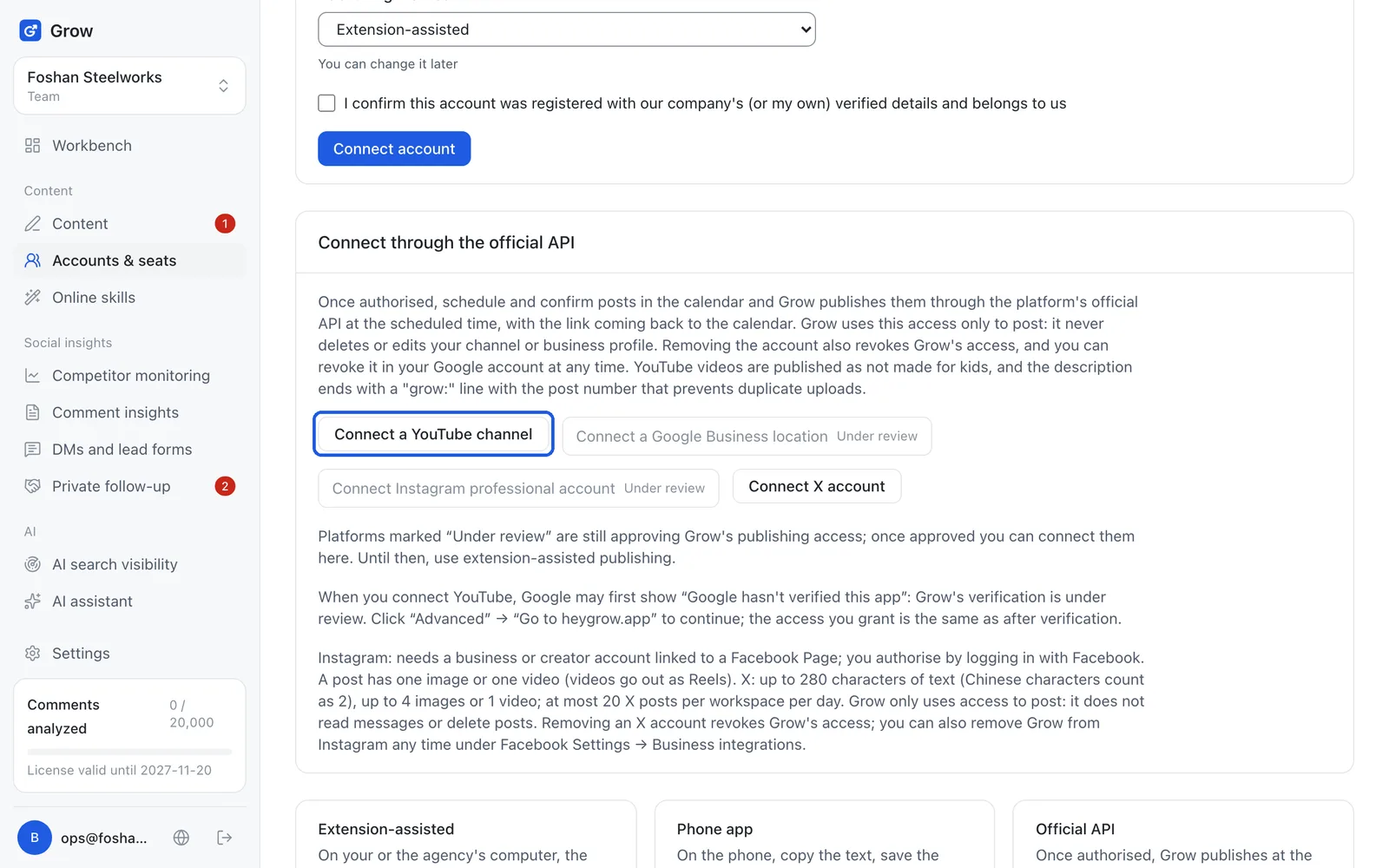
- Browser extension
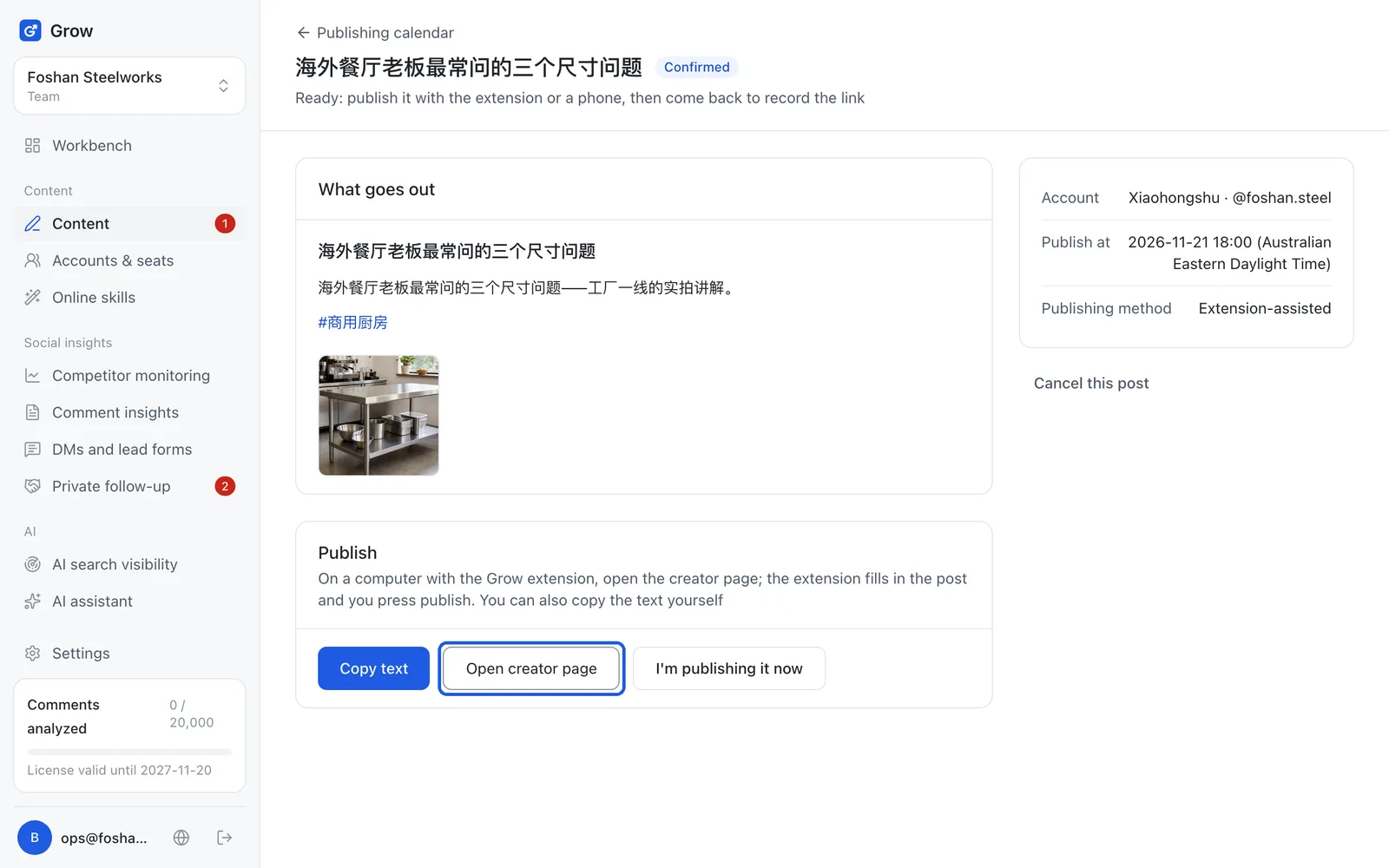
- A browser extension is a small tool added to the Chrome browser; Grow's is called "Grow Assistant" and it fills your finished post into the posting page. Example: like a helper who fills in a form and hands it to you to check; you still press "submit" yourself.
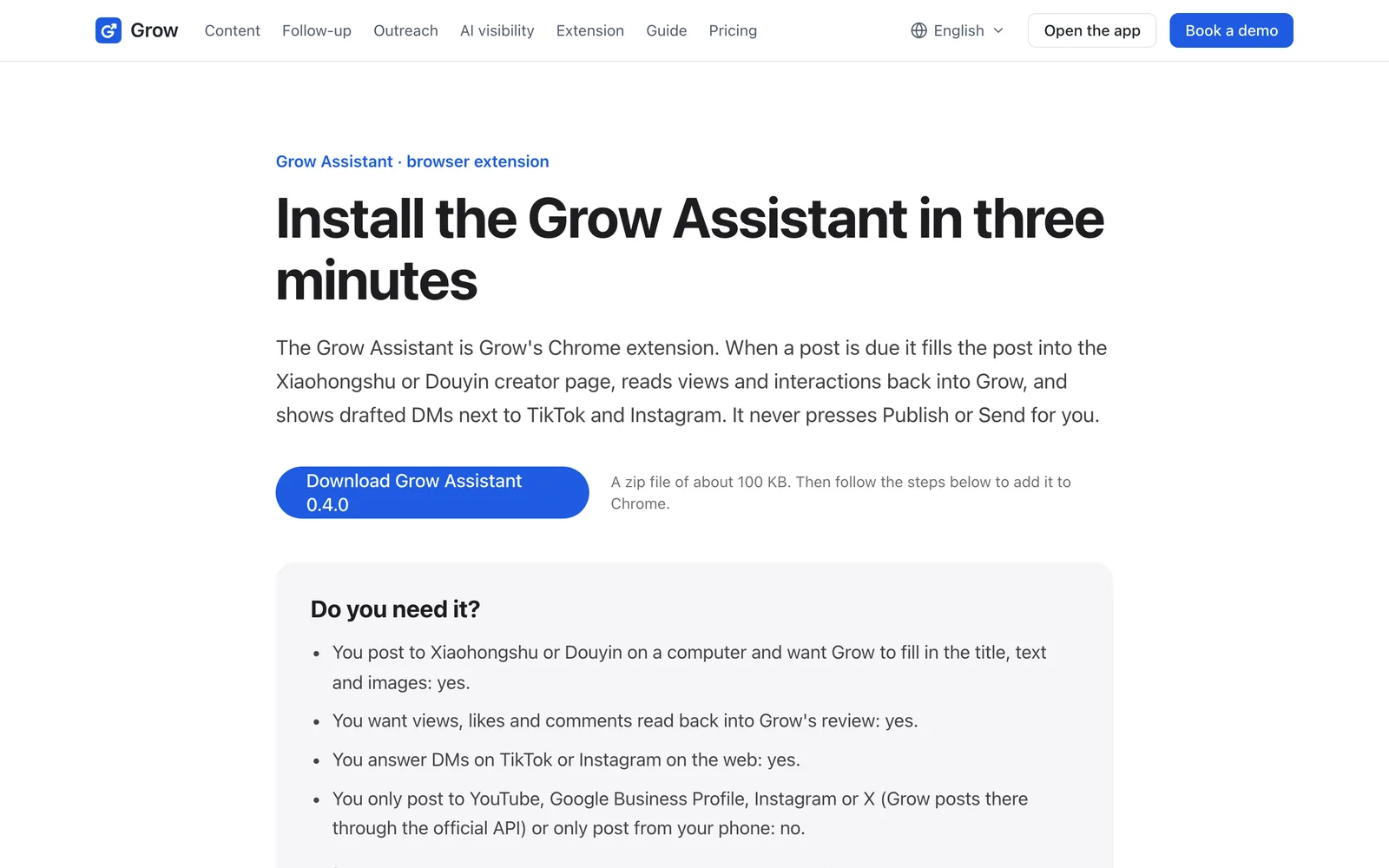
- Developer mode
- Developer mode is a switch built into the top right of Chrome's extensions page; it lets you install an extension that is not in the Chrome Web Store, which is how Grow Assistant is installed until it is listed there. Example: like allowing "install apps from this source" in your phone settings; turning it on does not harm your computer, and Grow Assistant only works on a few sites such as the Xiaohongshu and Douyin creator pages.
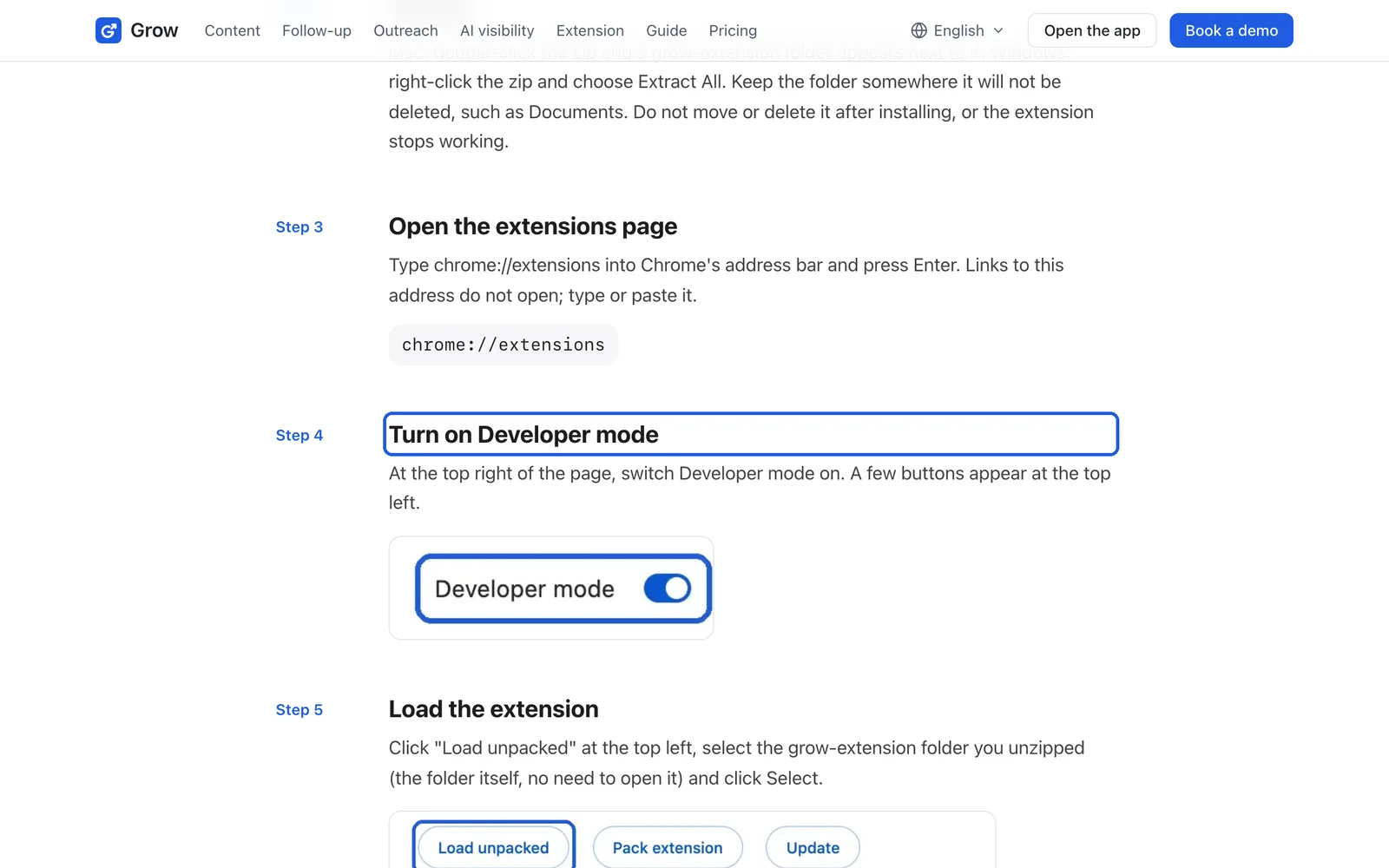
- Official API
- The official API is the channel a platform officially opens for software to post; once connected, Grow publishes your confirmed posts at their time without anyone pressing publish. Example: YouTube and X use the official API and post on their own once scheduled and confirmed; Xiaohongshu and Douyin have no such channel, so the extension fills the post and you press publish.
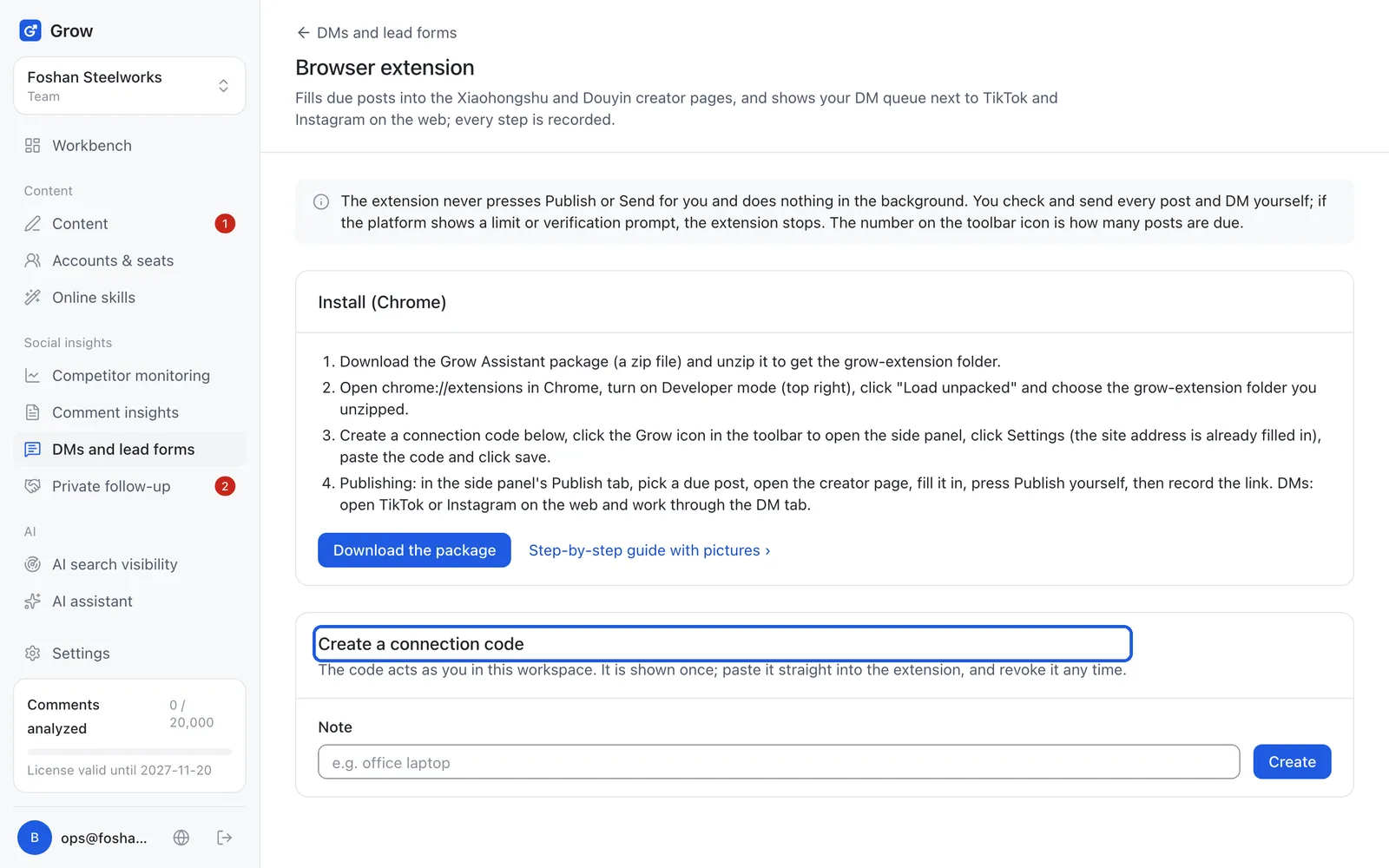
- Connection code
- A connection code is a string Grow creates; paste it into the extension and the extension on that computer is linked to your Grow. Example: like typing the Wi-Fi password into a new TV once, after which it stays connected; on a new computer, revoke the old code in Grow.
- Creator page
- The creator page is the website platforms such as Xiaohongshu and Douyin give posters for publishing and checking numbers on a computer. Example: the Douyin app is where you watch videos; the Douyin creator center website is where you upload them and see views.
- Idea (topic)
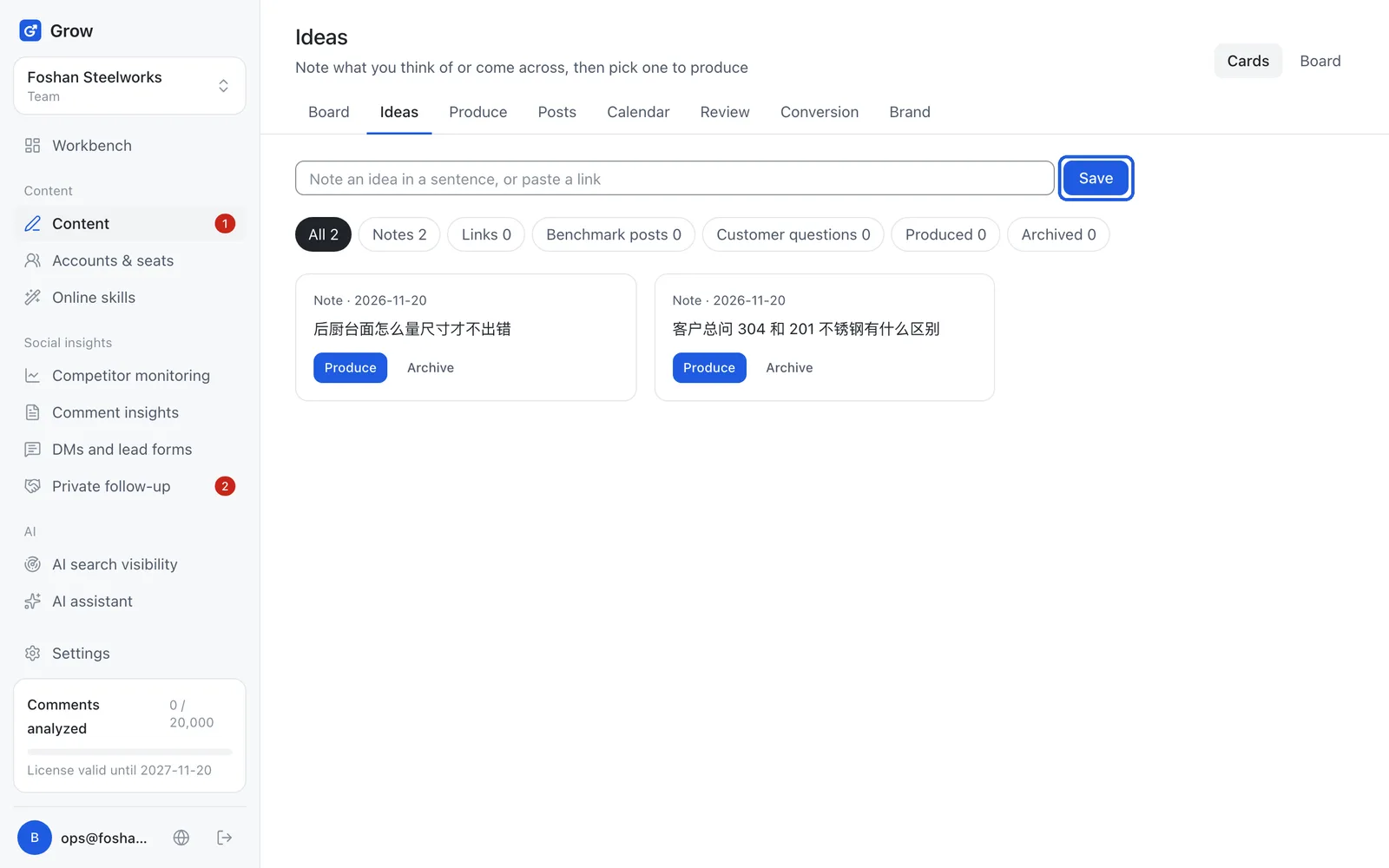
- An idea is what one post is about, in one sentence. Example: "why our $15 lunch set comes with a free drink" is an idea; jot it down under "Ideas" in Grow and pick from your list later.
- Schedule
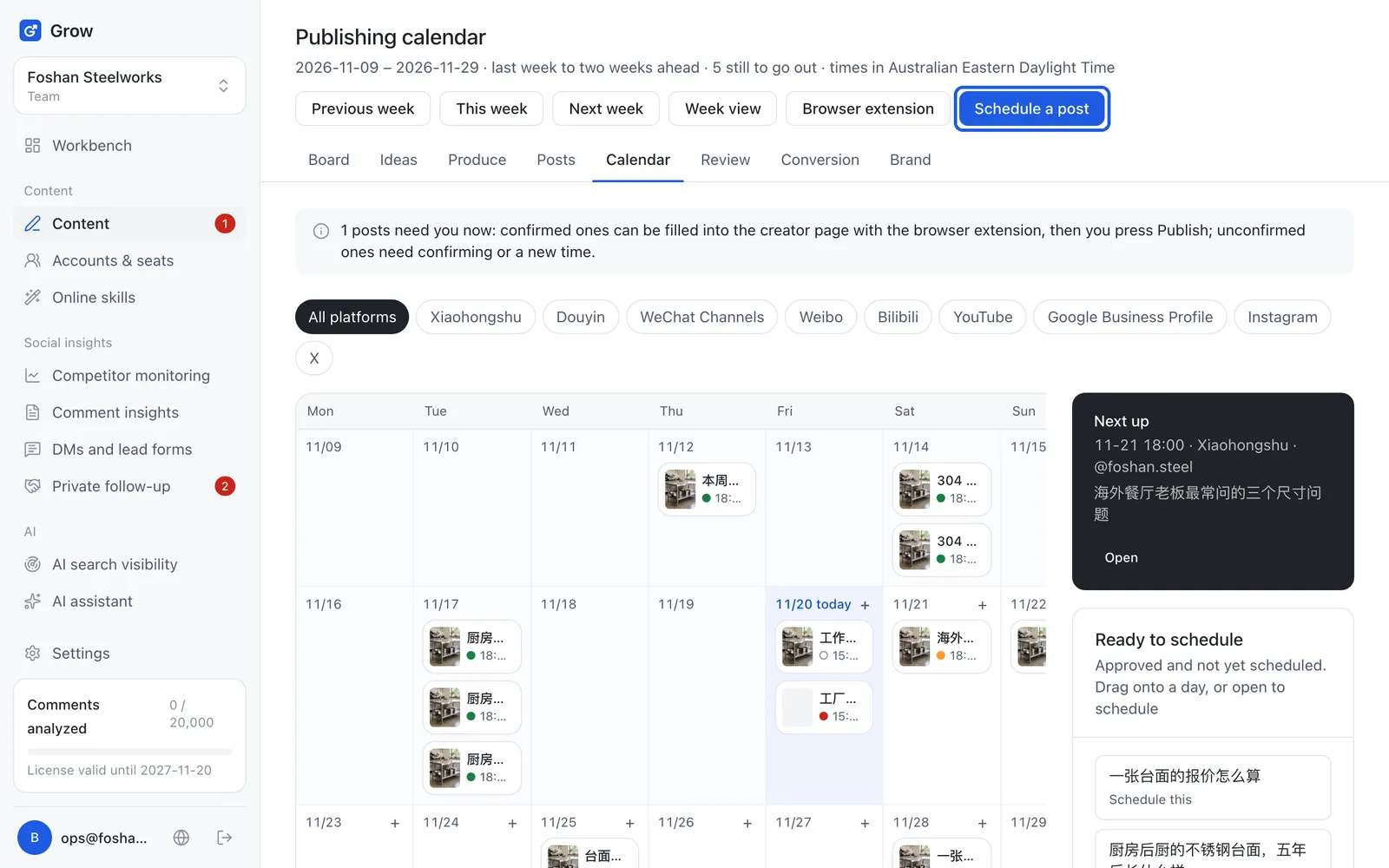
- Scheduling means deciding which post goes out on which account at what day and time, and putting it in the calendar. Example: like a restaurant's roster for next week; put "Xiaohongshu, Wednesday 7pm" in and Grow reminds you when it is time.
- Review (approval)
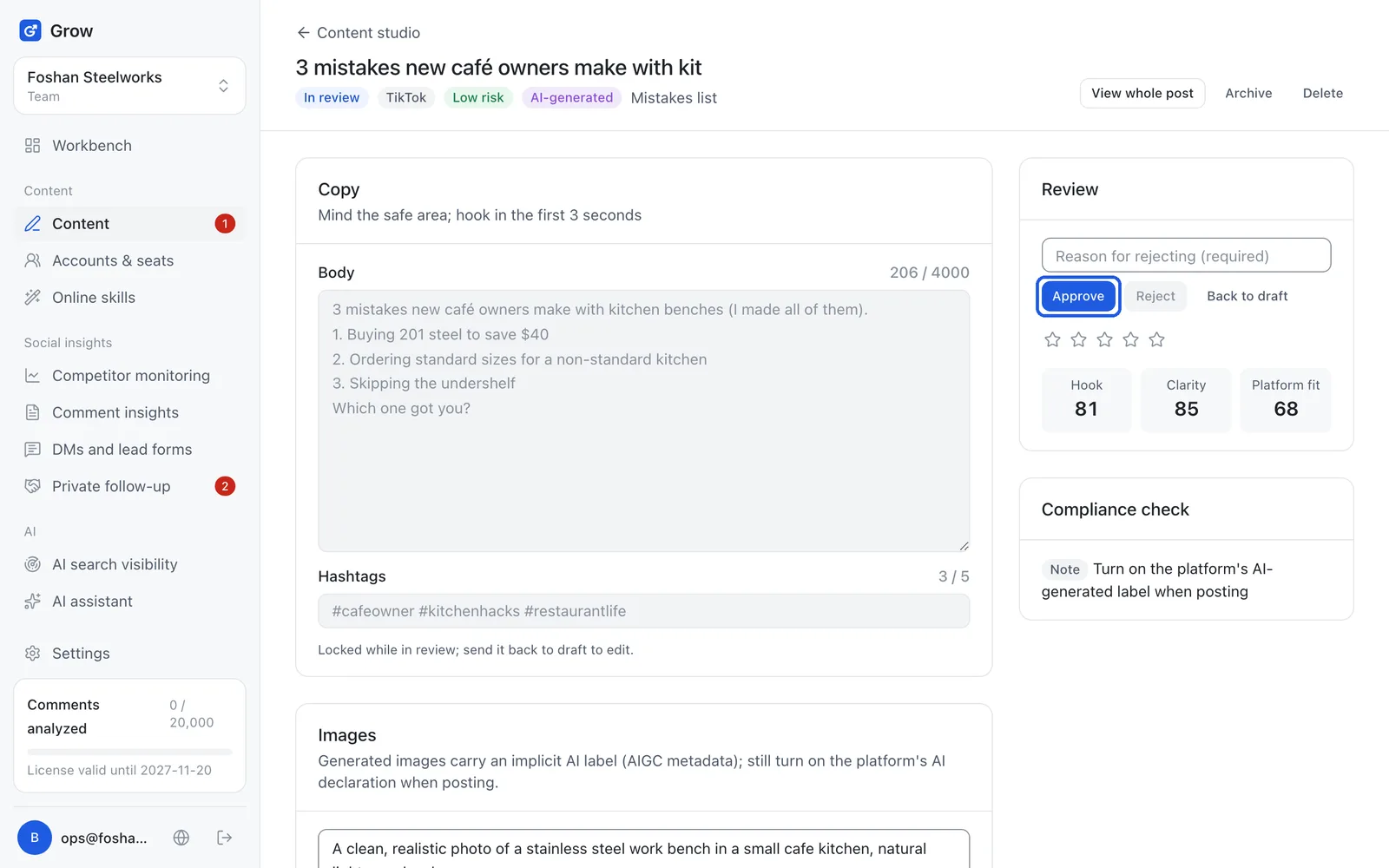
- Approval means an owner or admin reads a post before it goes out and clicks "Approve" or "Reject". Example: like staff showing the boss a new menu poster before putting it up; if you work alone, you click "Approve" yourself.
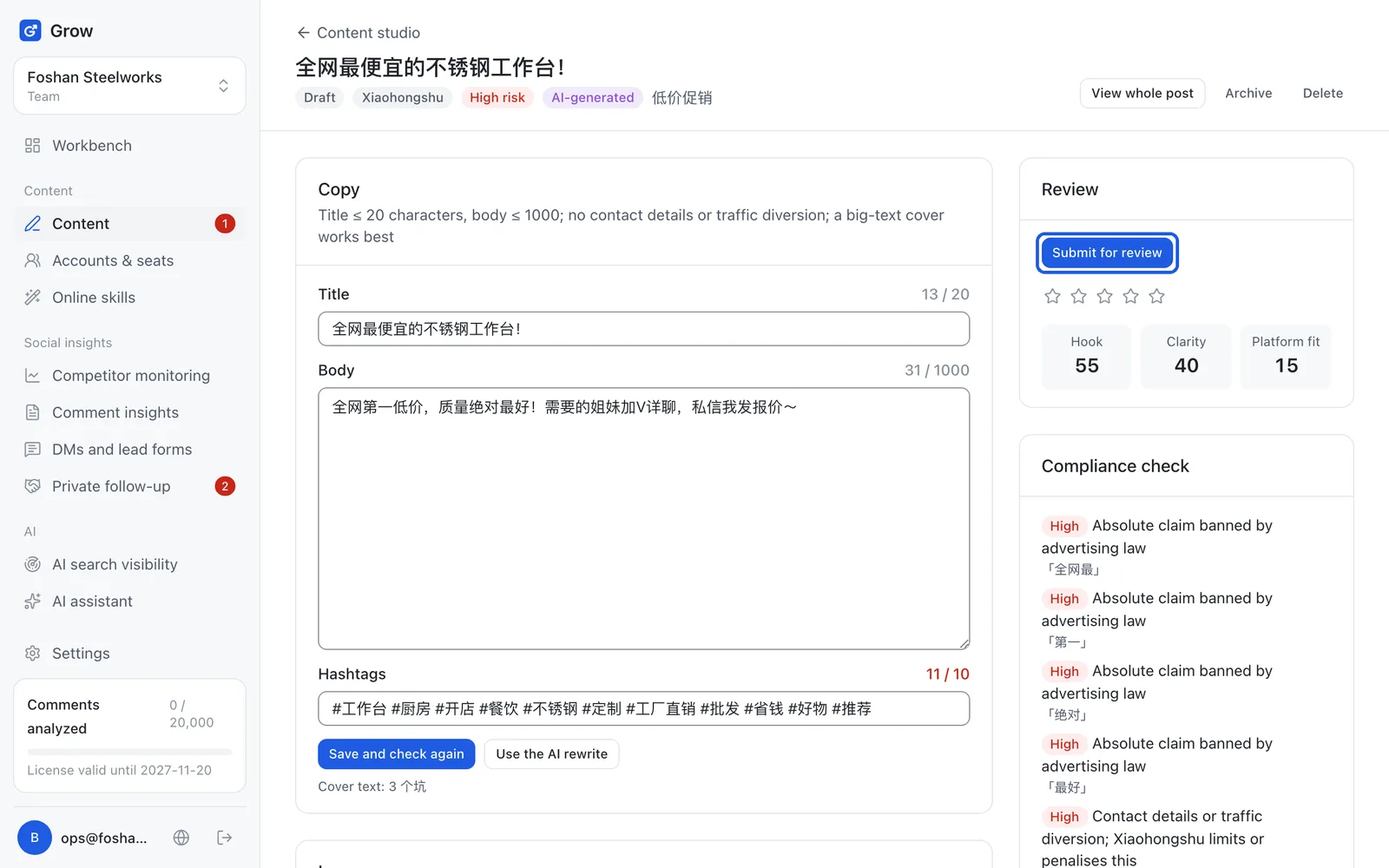
- Compliance check
- The compliance check is Grow automatically looking for anything that breaks advertising law, platform rules or your banned words. Example: "best food in Sydney" or "add my WeChat xxx" get flagged, because "best" is not allowed in ads and platforms ban contact details.
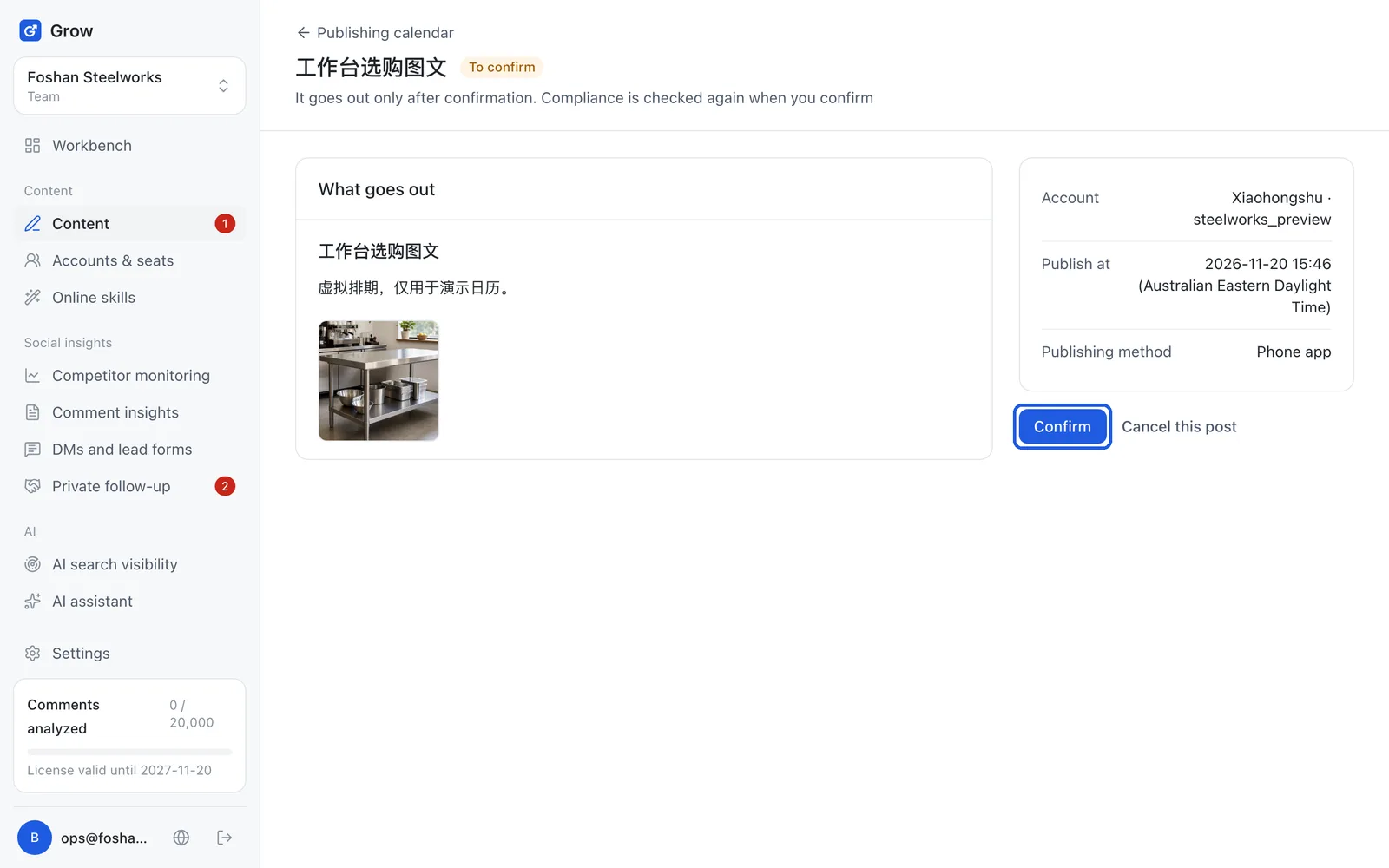
- Confirm
- Confirming is the last OK you give a scheduled post; a post that is not confirmed never goes out. Example: like checking you have your keys before leaving; Grow reminds you 30 minutes before so you can confirm.
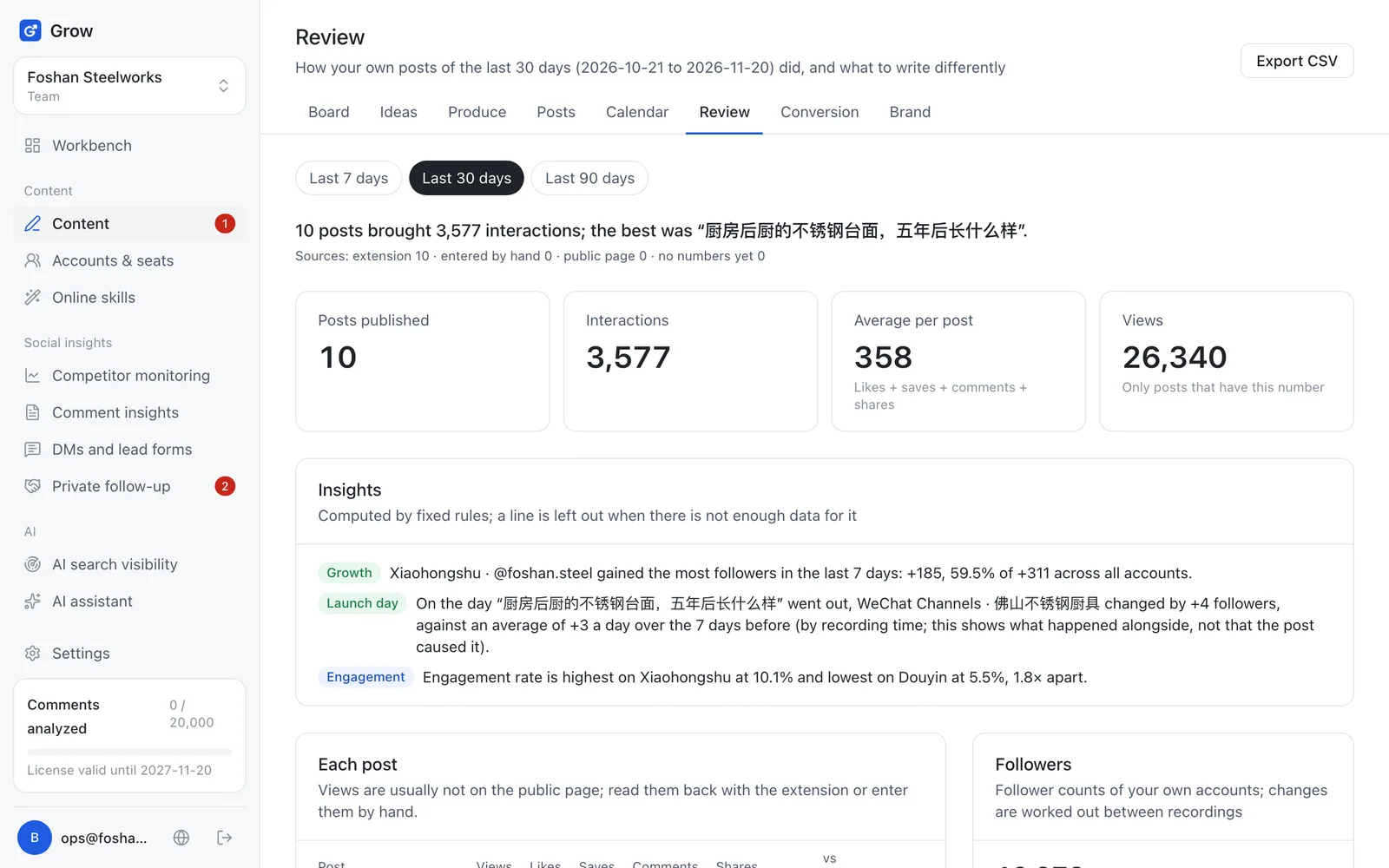
- Review
- Reviewing means looking at the numbers after posting to see which posts did well and why, so the next one can follow. Example: last week one post about prices got 400 saves and one about a new product got 3, so talk about prices more.
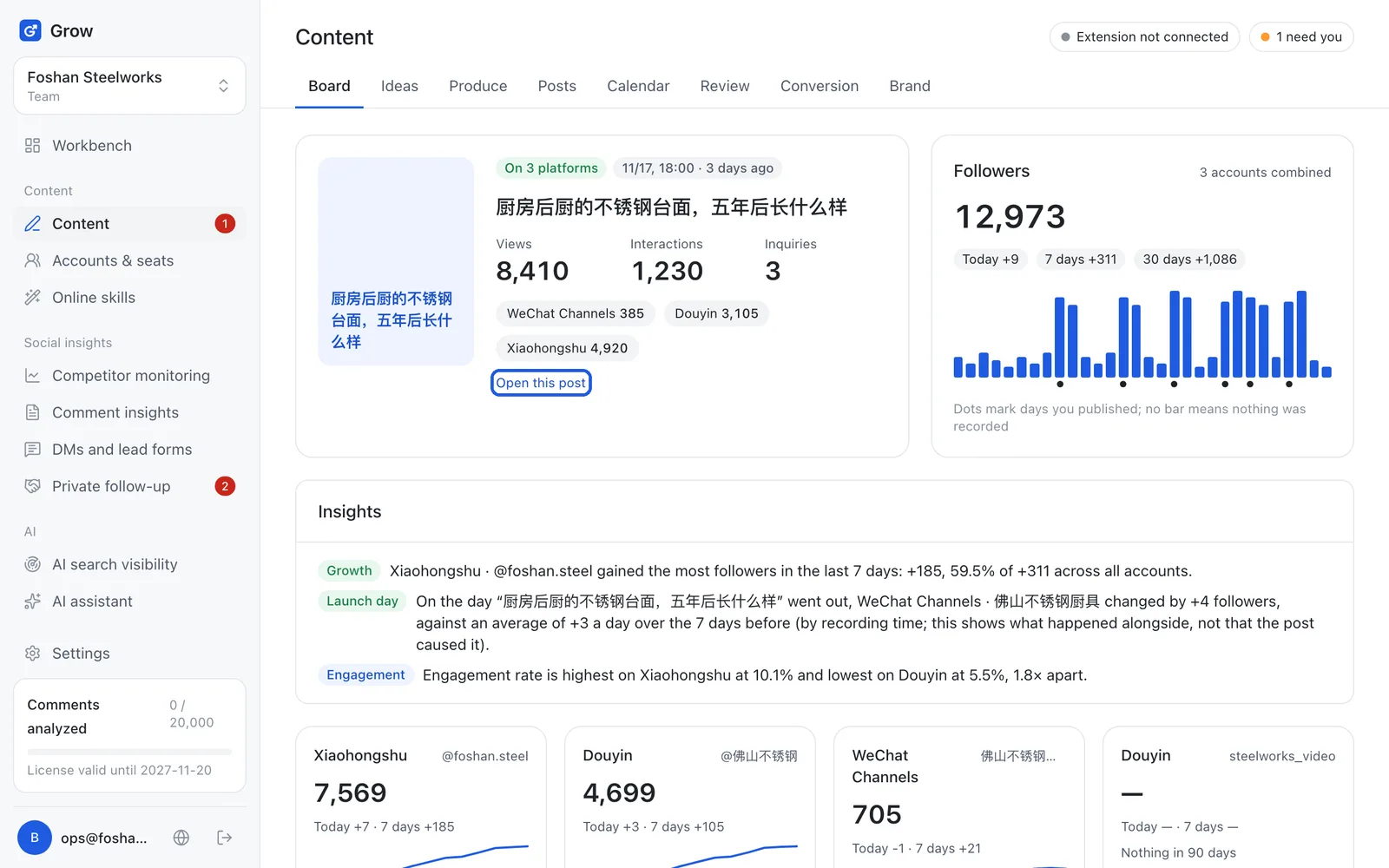
- Board
- The board is the first page under "Content", showing at a glance how many views, likes and price inquiries your recent posts got. Example: like the daily report your till prints, one page tells you how the day went.
- Engagement
- Engagement is the total of likes, comments, saves and shares, showing how many viewers were really moved. Example: two posts each seen by 1,000 people, one with 50 saves and one with 2; the first has far better engagement.
- Same-age comparison
- A same-age comparison puts a post's numbers on day 1, 3 and 7 after publishing next to the same day of the account's previous post, never a one-day-old post against a week-old one. Example: like comparing two children's heights at the same age; 2,000 views on day 3 against the last post's 1,000 on day 3 is 200%.
- Tracking link
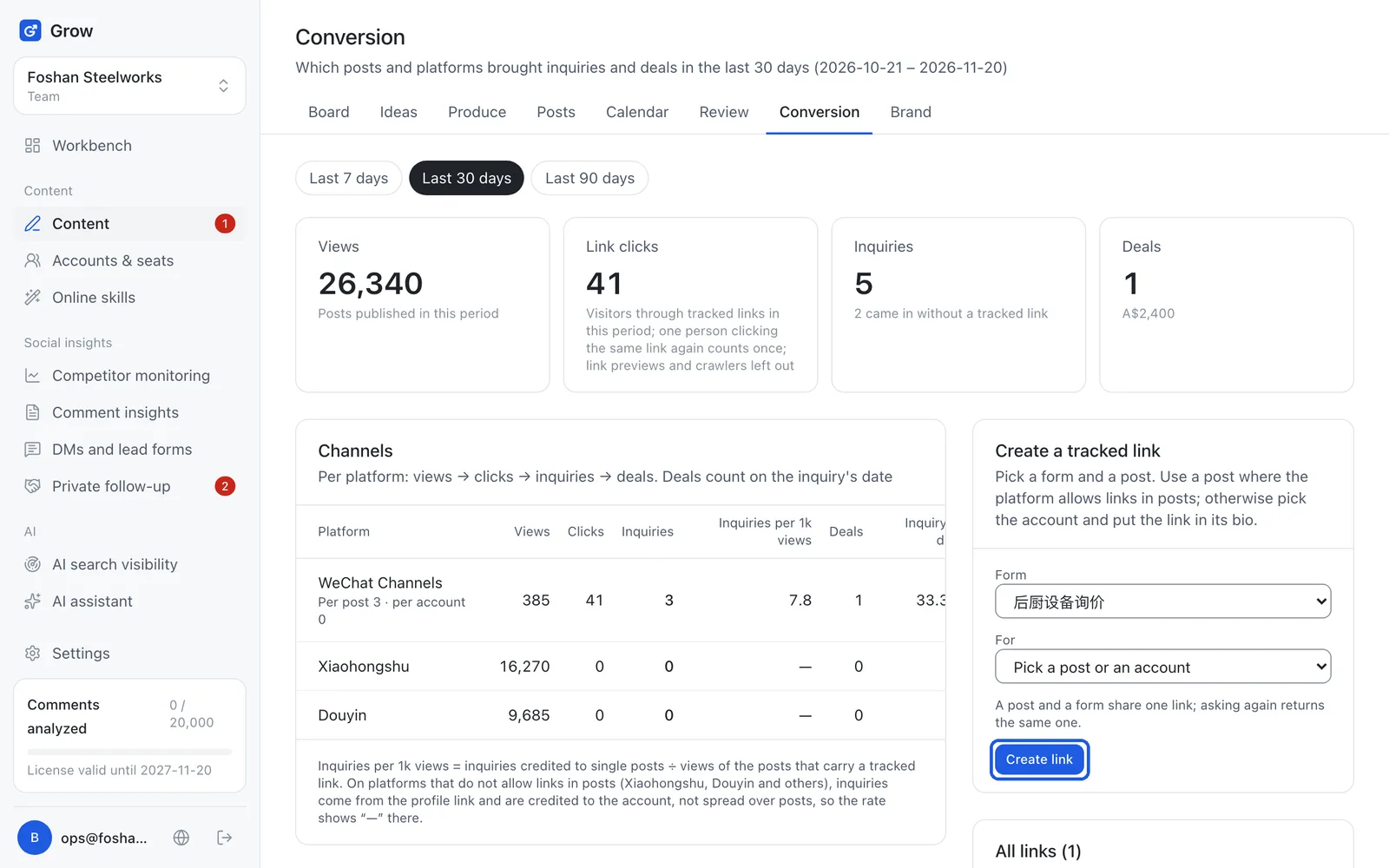
- A tracking link is a link with a number in it; when a customer clicks it and fills in a form, you know which post they came from. Example: like printing a different discount code on each flyer, so the code a customer mentions tells you which flyer they saw.
- Inquiry
- An inquiry is a customer reaching out to ask and leaving contact details; in Grow it means someone who filled in a form through a tracking link. Example: someone sees your post, clicks the link and writes "company dinner for 20 next month" with a phone number. That is an inquiry.
- Conversion
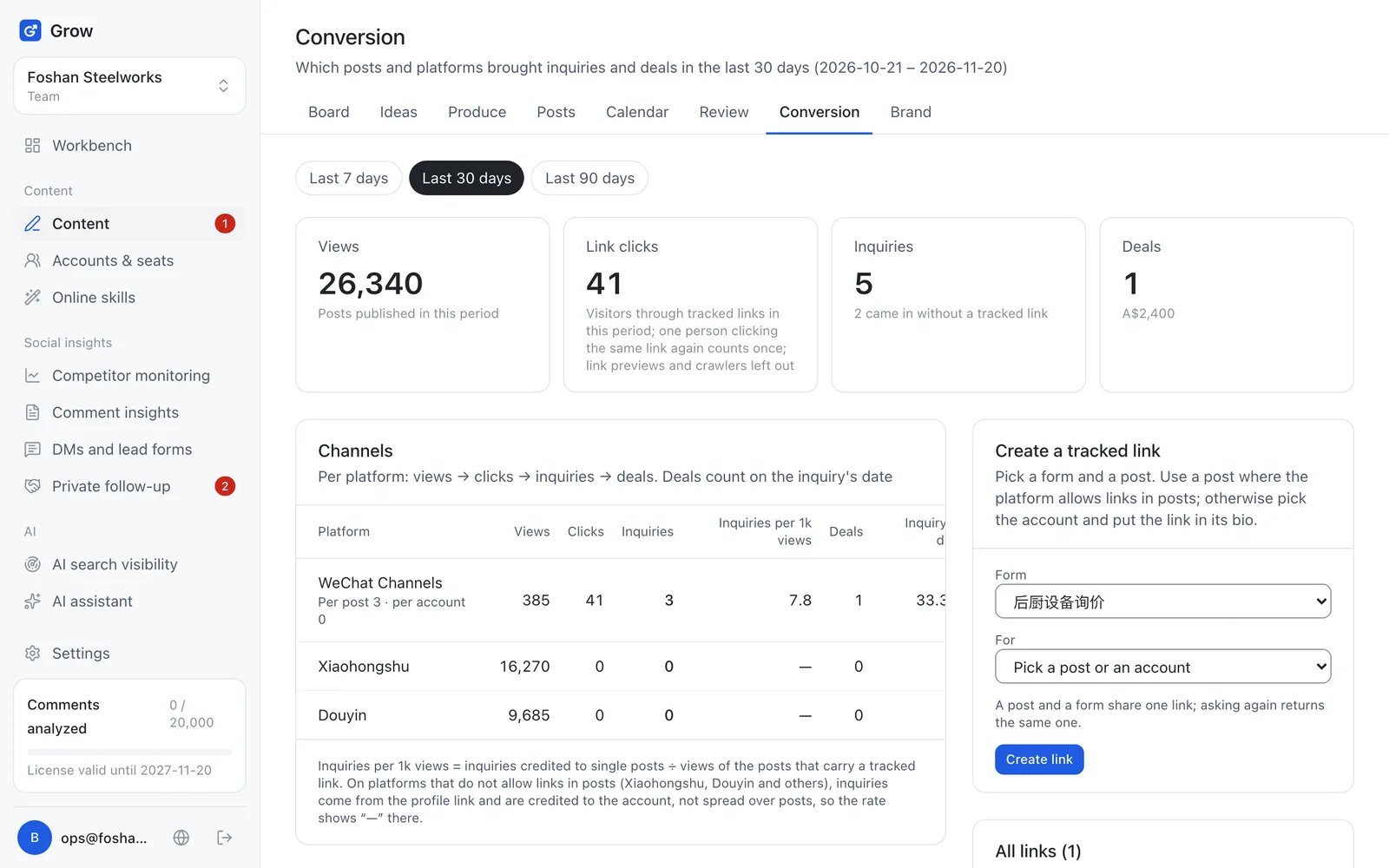
- Conversion is viewers turning, step by step, into people who ask for a price and then buy; the "Conversion" page counts views → clicks → inquiries → deals for you. Example: 10,000 people saw a post, 40 clicked the link, 5 left a phone number and 1 booked. That is one post's conversion.
- Lead form
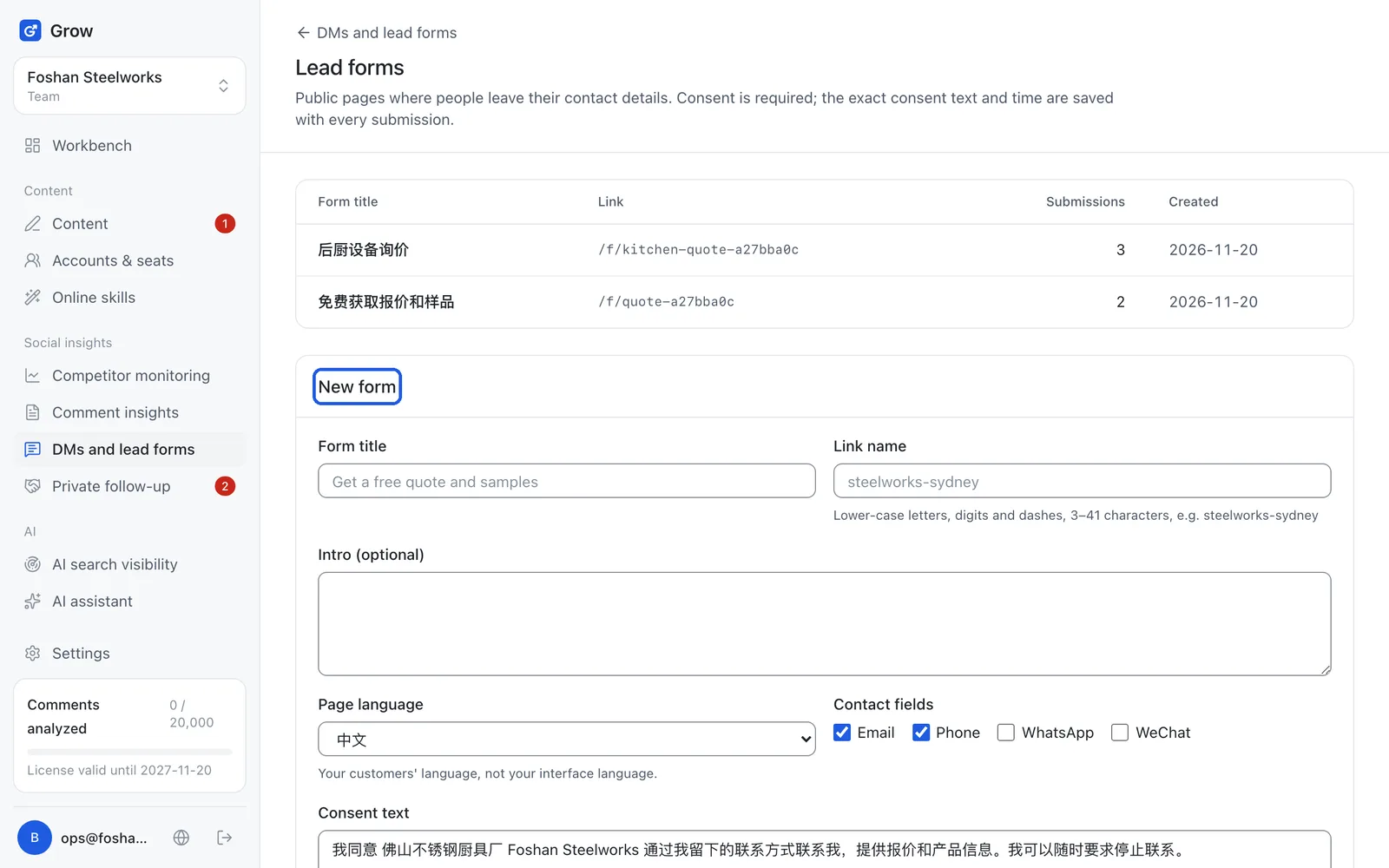
- A lead is a customer leaving contact details (phone, WeChat, email); a lead form is the small page where they fill them in. Example: like the "leave your number for special offers" notebook by the shop door, only online.
- Private follow-up
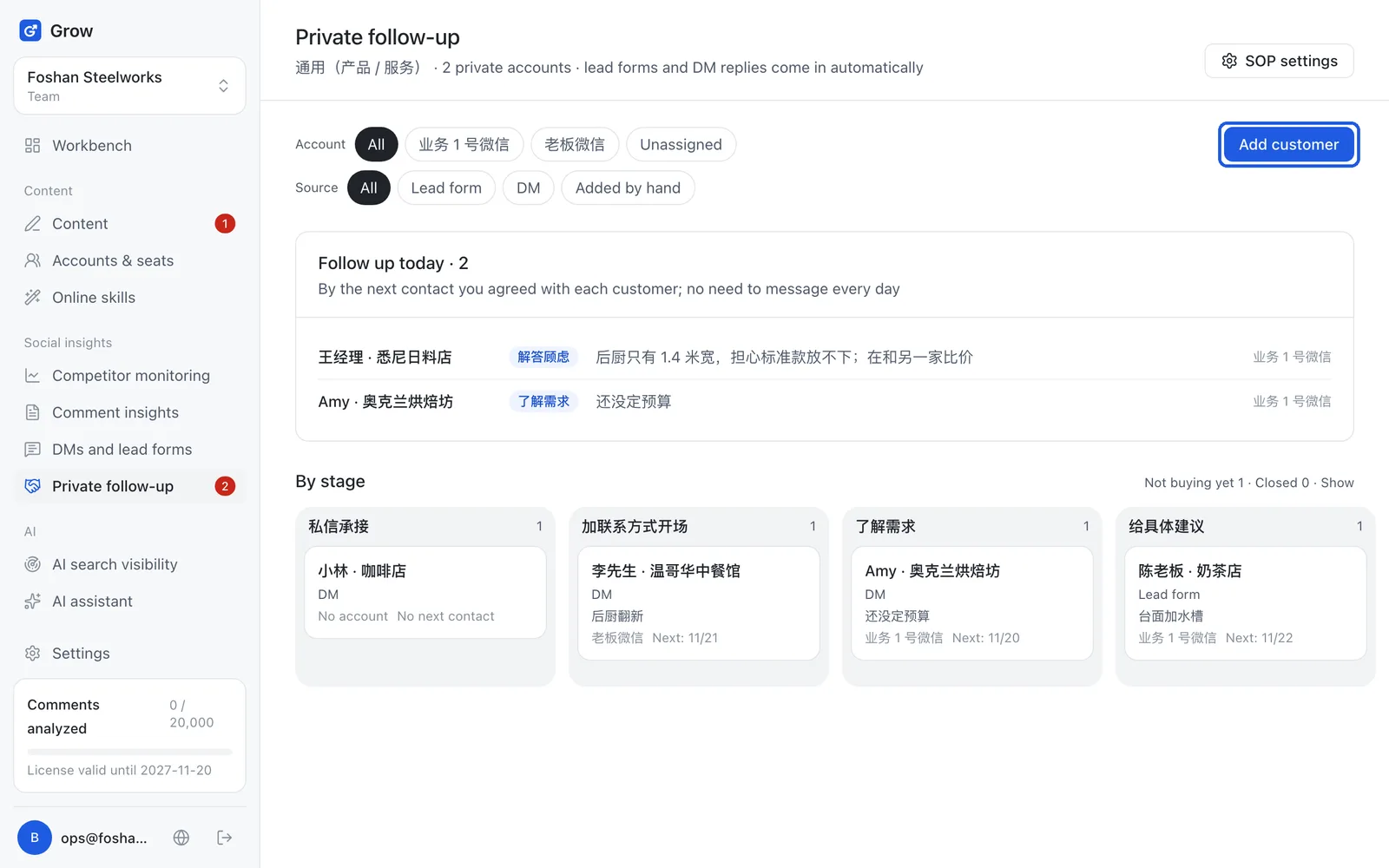
- Private customers are the ones who already added you on WeChat (or WhatsApp); private follow-up means chatting with them at the times you agreed until they buy. Example: a customer says "maybe next month", you note the next contact date in Grow, and that morning it reminds you to check in.
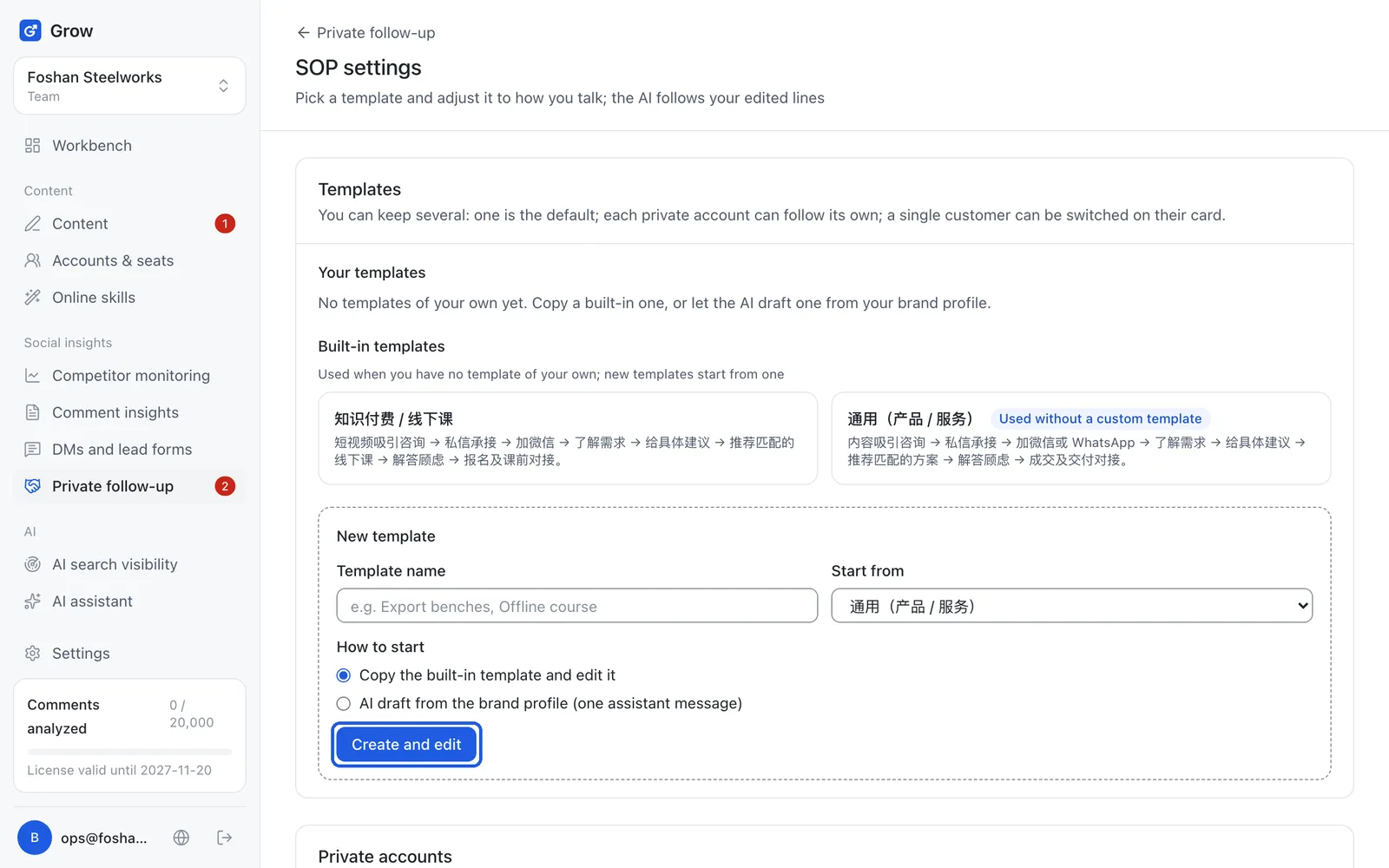
- SOP
- An SOP is a fixed follow-up routine: which stages there are and what to say at each, so everyone does it the same way. Example: like a new staff member's greeting card: ask how many people, suggest the set menu, then add them on WeChat; Grow's AI writes your next line by it too.
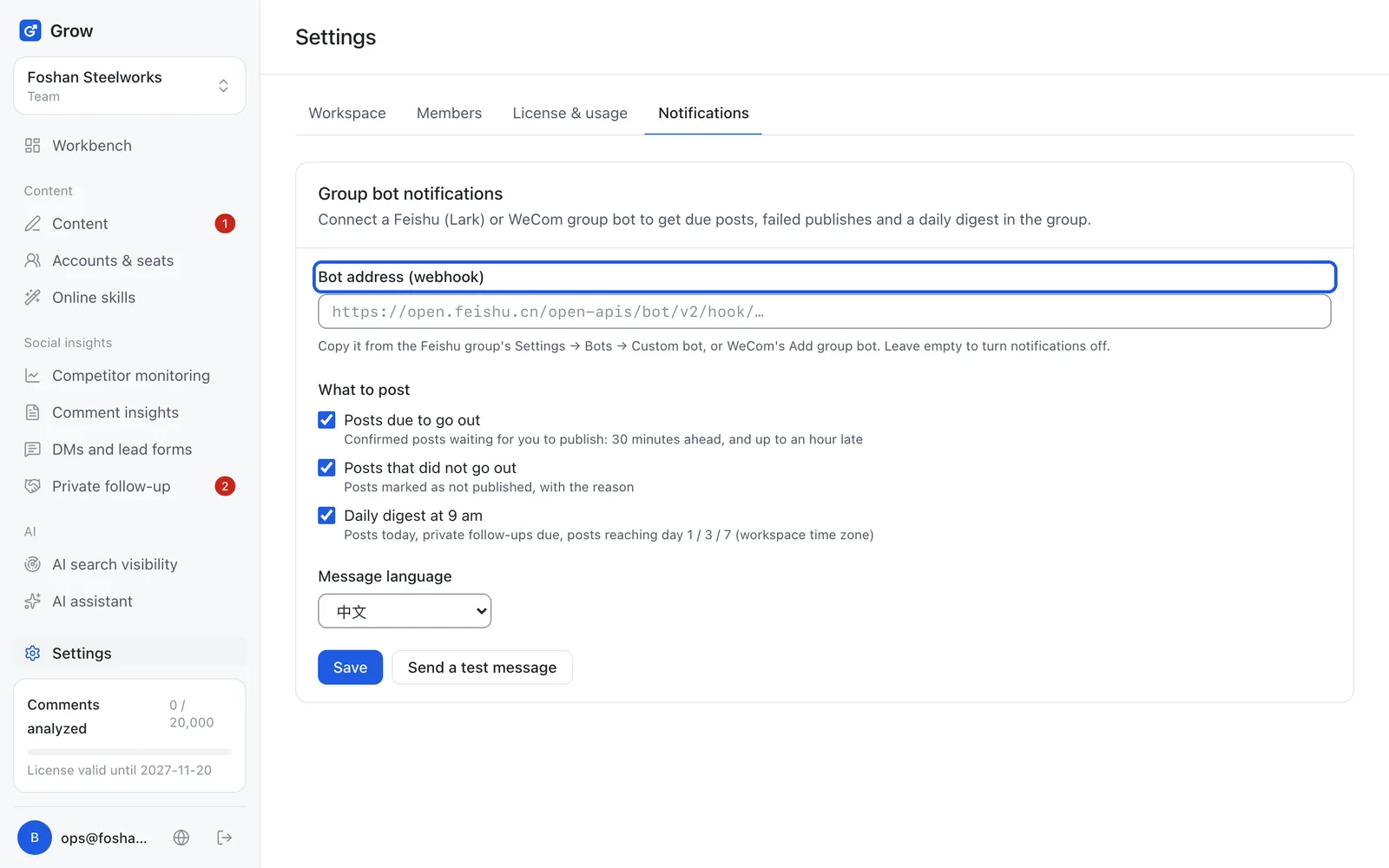
- Group bot
- A group bot is an account in a Feishu or WeCom group that posts messages automatically; once connected, Grow sends its reminders to the group. Example: at 9am every day the group shows "2 posts today", and it also says so when a post did not go out.
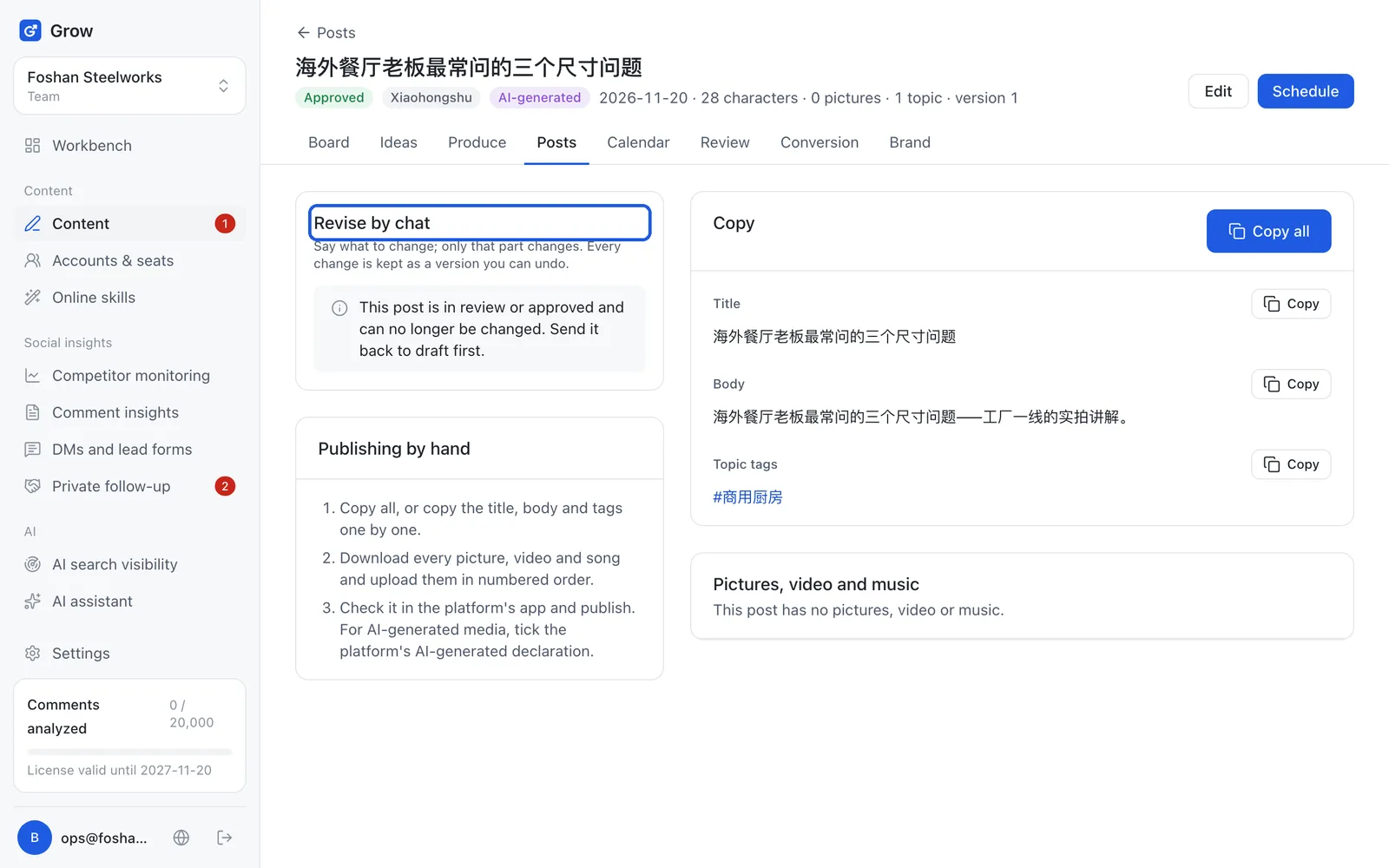
- Assistant message
- Assistant messages are your plan's monthly allowance of AI work: one edit, one follow-up line or one analysis counts as 1; in "Settings → License & usage" it is the "AI assistant messages" line, which shows how many are left. Example: like your phone plan's monthly data, it resets next month; no change, undo and your own edits do not count.
Still stuck?
Message @JamesAI on X with a screenshot and we will take a look.