Fill in your brand information
Give the AI your website and product brochures and it turns them into a brand profile. Everything the AI writes later follows it.
After this chapter: the AI knows what you sell, who you sell to, and what must never be said.
- Step 1
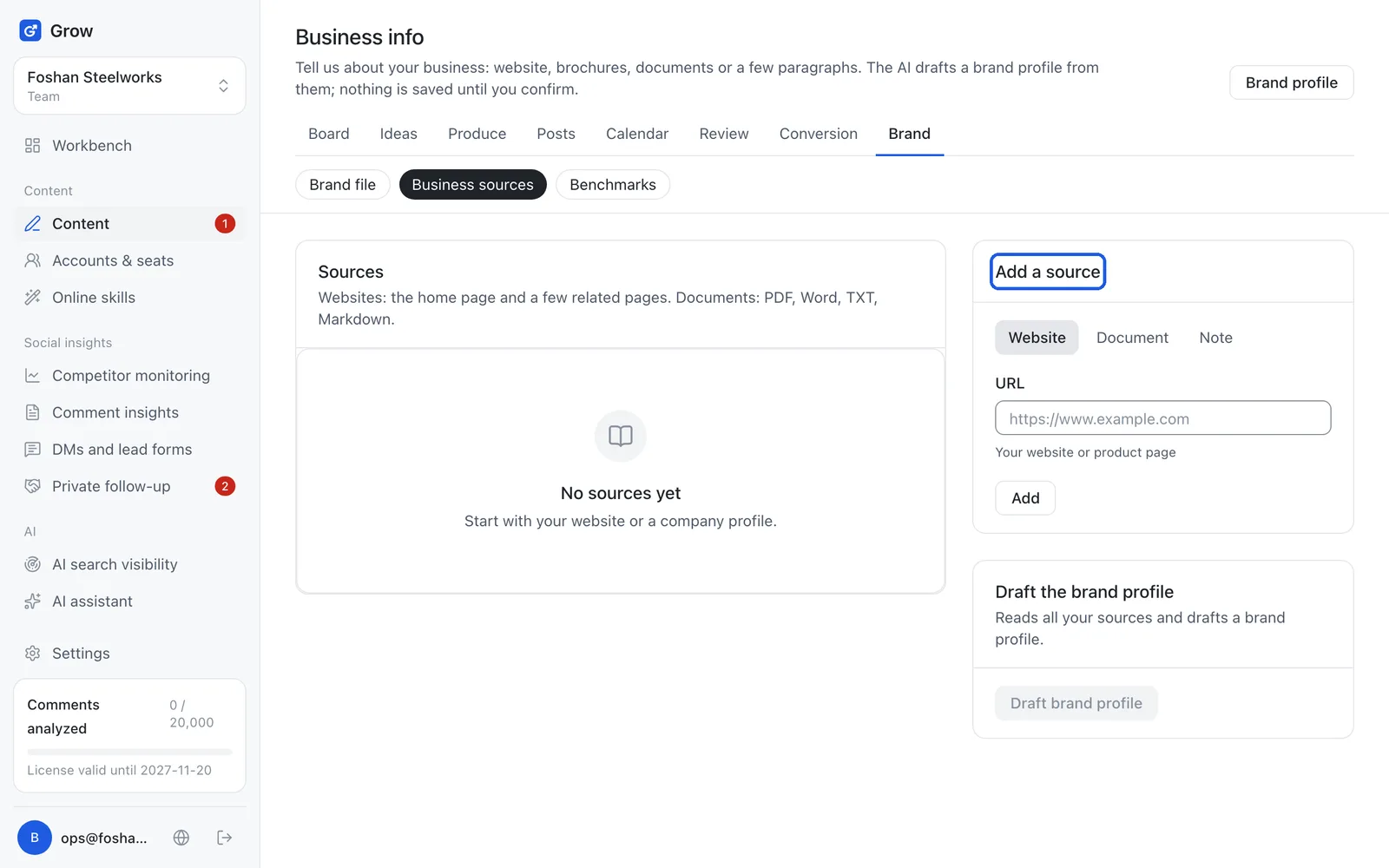
Open "Business sources"
Click "Content" on the left, then "Brand" at the top, then "Business sources". This is where the raw material about your business goes. The AI picks information out of it.
- Step 2
Add a source
In "Add a source", pick one kind: Website: your website or a product page. Grow reads the home page and a few related pages File: PDF, Word, TXT or Markdown (.md text file), up to 4 MB Note: just write a paragraph (the "Title" box above it is optional), for example what you sell, who to, how you differ from others, and what must never be said Then click "Add". You can add several.
- Step 3
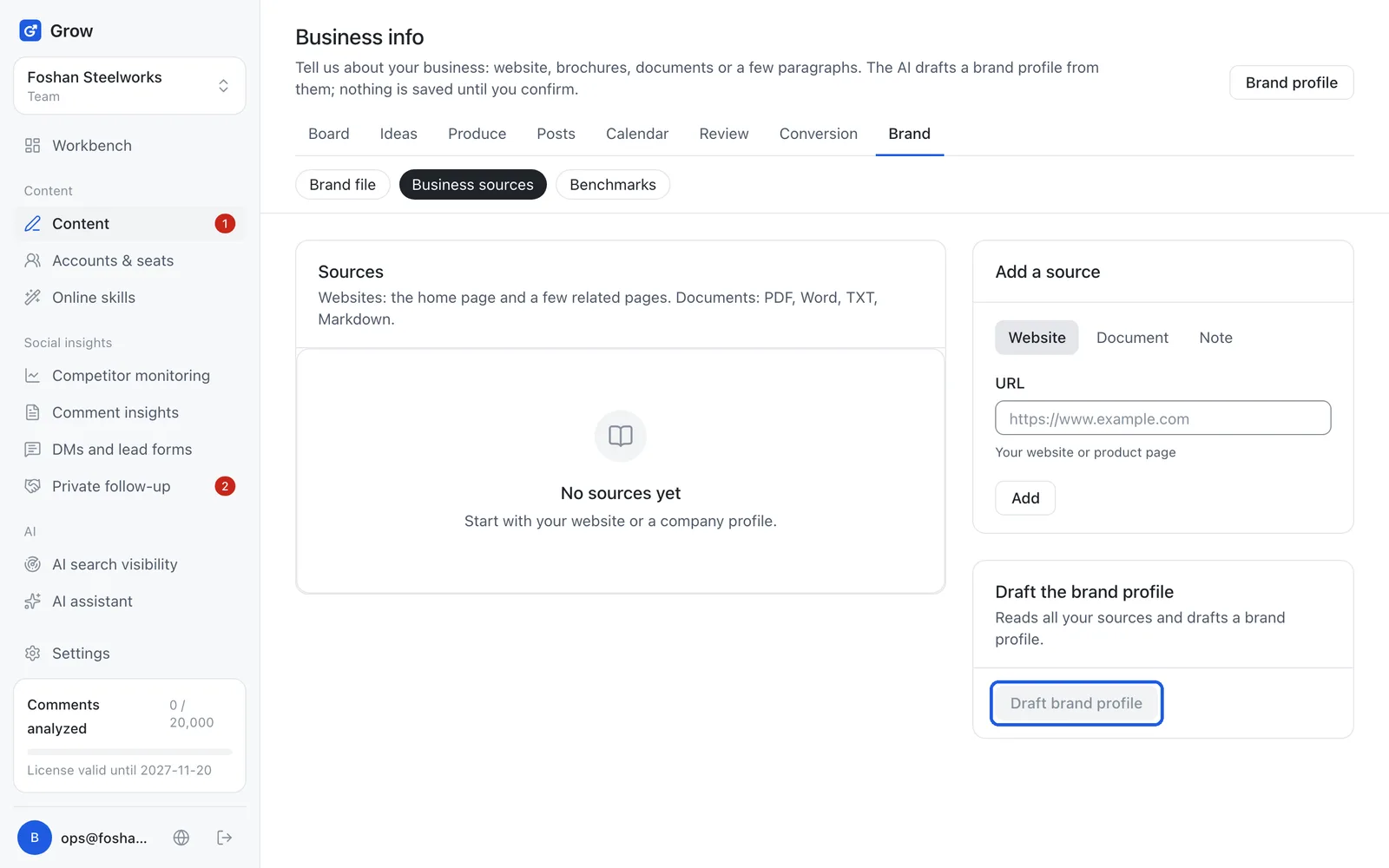
Click "Draft brand profile"
When your sources are in, click "Draft brand profile". The AI reads all of them and usually finishes in under a minute.
- Step 4
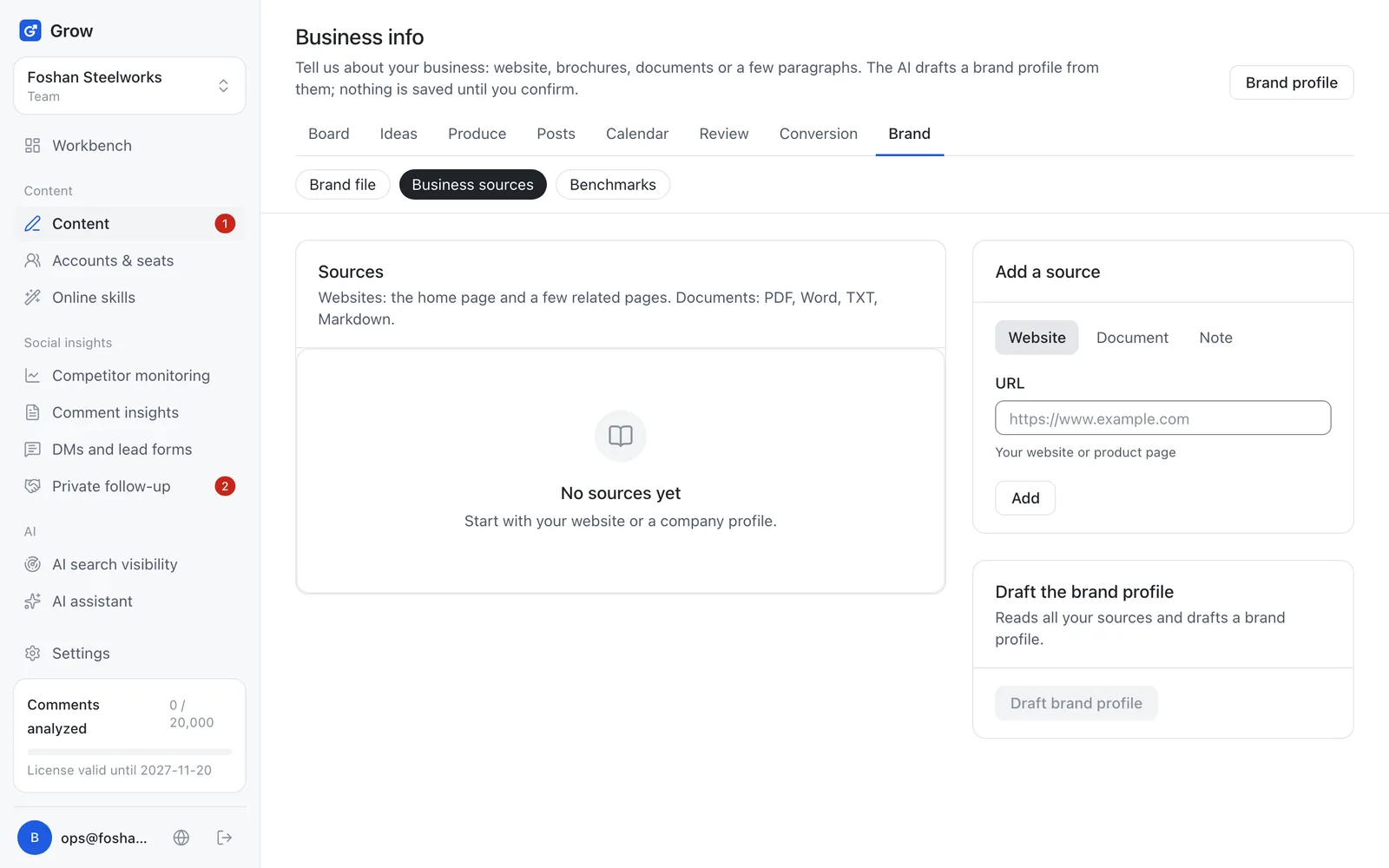
Tick what to keep and click "Save to brand profile"
The draft has a description, audience, tone, facts, products and more. Everything is ticked by default: untick what is wrong, and click "Save to brand profile". Every fact in the draft shows where it came from; leave unticked any fact without a source.
- Step 5
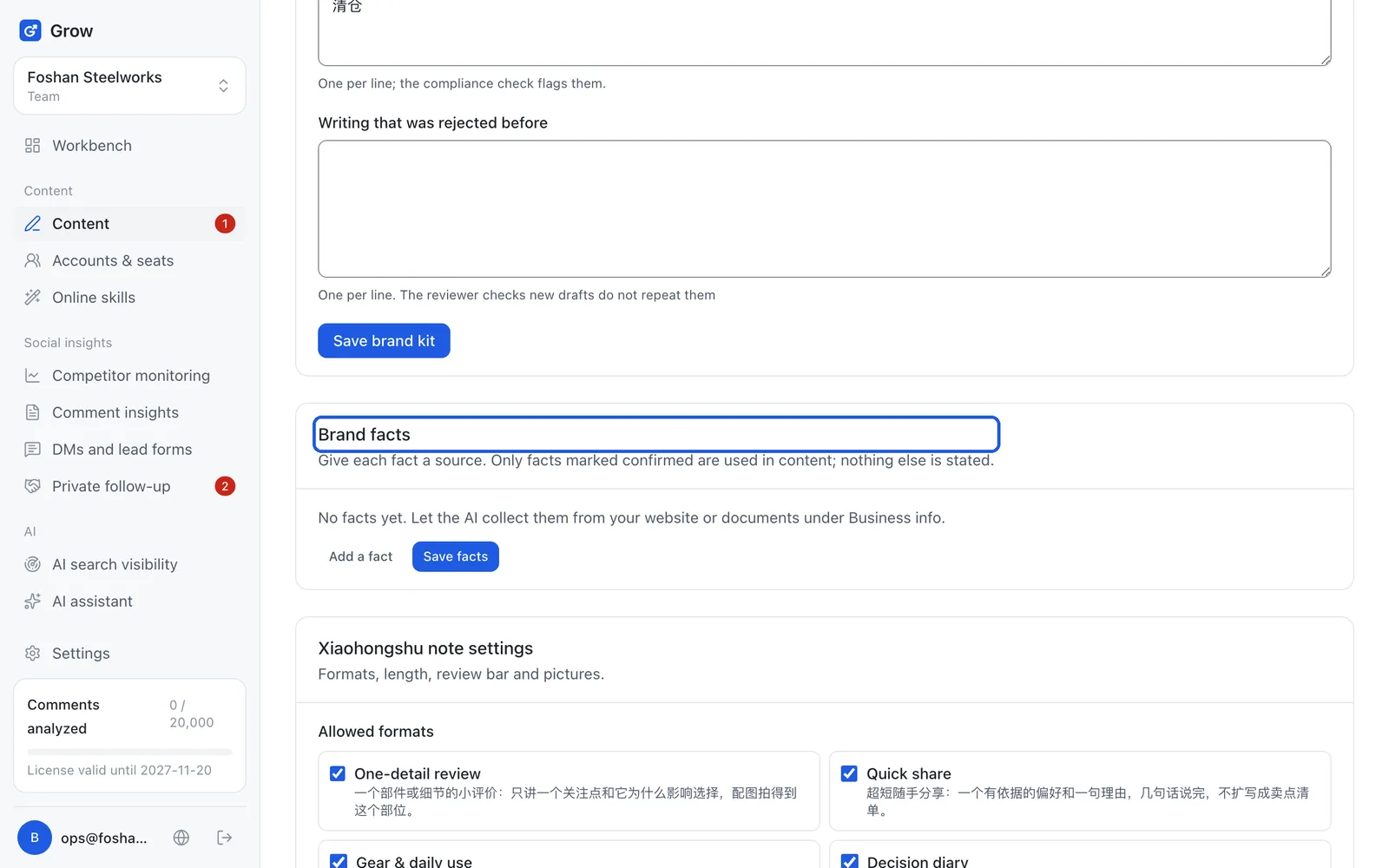
Confirm the facts in the brand file
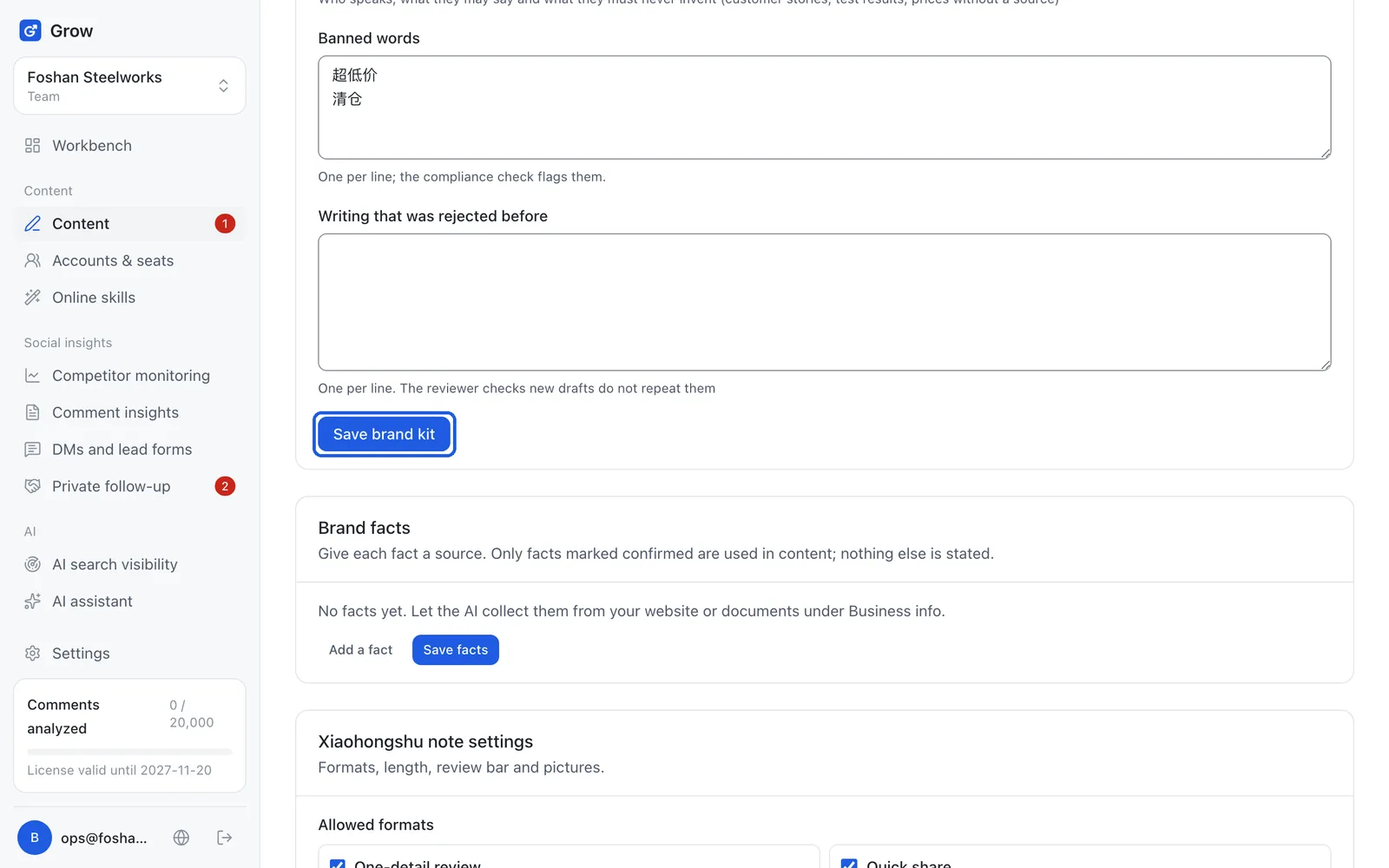
Click "Brand file" and find "Brand facts". Facts you just saved are not confirmed yet. Each fact has its text on the left and, in the small box on the right, its source (where it came from), which you usually leave alone. Go through them one by one, tick "Confirmed" on the right ones, and click "Save facts". The AI only writes facts that are ticked "Confirmed".
Tip: This step matters: the AI never writes a fact that is not confirmed. Better to say less than to say something wrong.
- Step 6
Set your tone and banned words
On the same page, in "Brand kit", fill in the brand description, tone (for example "down to earth, professional, no hype"), voice and point of view, and banned words (one per line), then click "Save brand kit". Every post then goes through the compliance check (Grow automatically looks for words that break advertising law, platform rules or your banned list), and banned words are flagged. The "Xiaohongshu note settings" further down the same page (formats, review bar and so on) is for experienced users; it is fine not to understand it, just leave it as it is.
Still stuck?
Message @JamesAI on X with a screenshot and we will take a look.